6Getting started with your Budii
™
Tablet
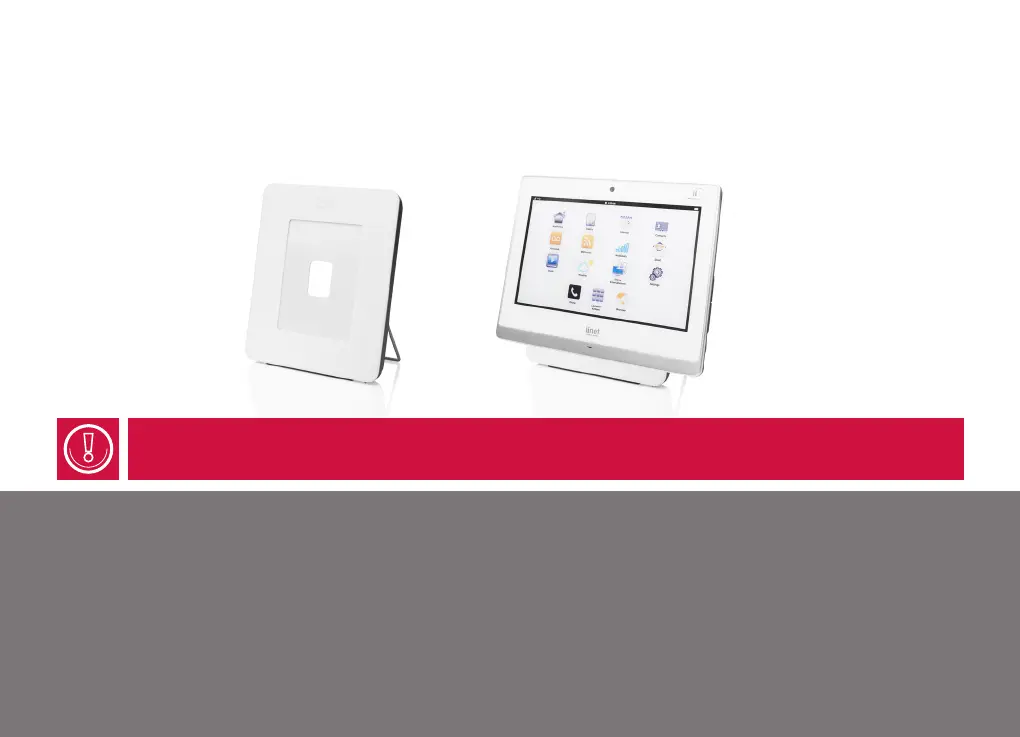
To charge your tablet on a Budii™ picture frame charger:
× Make sure the picture frame charger is connected to power.
× Place your tablet in the charging position on the picture frame, as shown in the image below.
Here’s what happens when you charge a Budii™ Tablet:
× If the battery is empty, the tablet will take at least 20 minutes to turn on.
× When the battery has charged enough, the tablet will wake up.
× You can continue to charge your tablet while it’s on. The screen will dim after a few minutes of inactivity.
Press ii Home to wake up the tablet.
If your tablet is off, press and hold ii Home for 5 seconds to turn it on.



 To Next Page