17
VoIP settings
VoIP stands for Voice over Internet Protocol, which is just a fancy way of saying “making phone calls over the
Internet”. VoIP lets you make phone calls using your Internet connection instead of your land line or mobile
phone service.
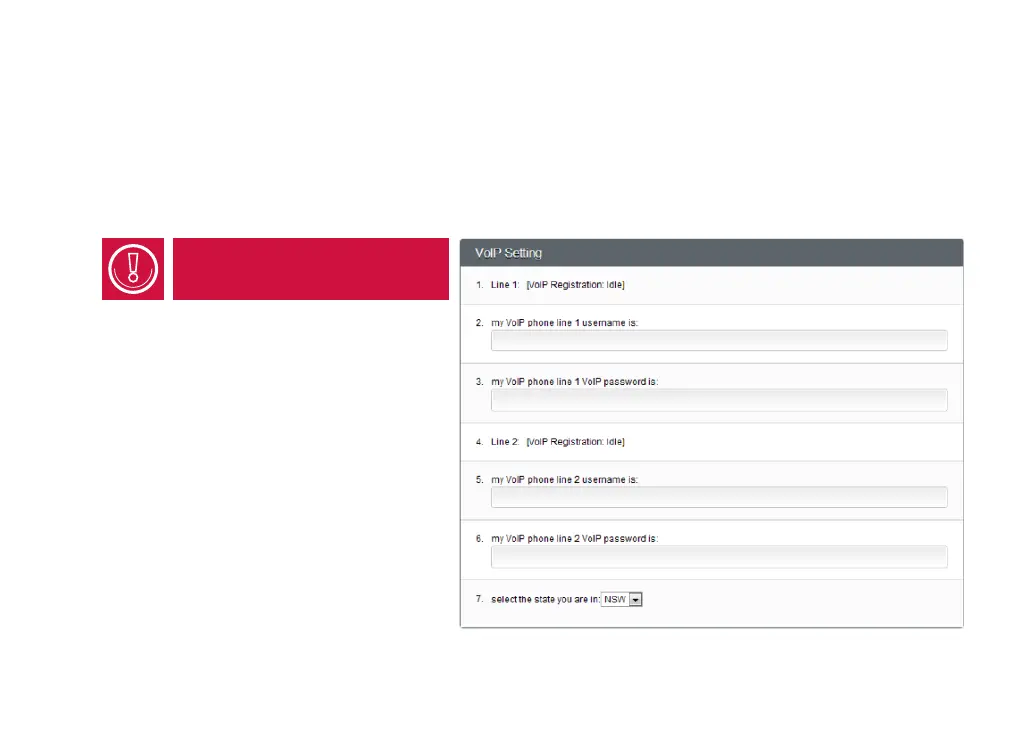
iiNet offers only one VoIP line -
Line 1 on this setup page.
VoIP phone line 1 username:
If you set up a VoIP service with iiNet, enter
the VoIP number we gave you. You’ll find this
information in your welcome email.
VoIP phone line 1 password:
The password assigned to you when we set
up your VoIP service - also in your welcome
email.
You’ll also need to select the Australian State
you’re living in.



 To Next Page