ENGLISH
10 OPERATING THE MONITOR
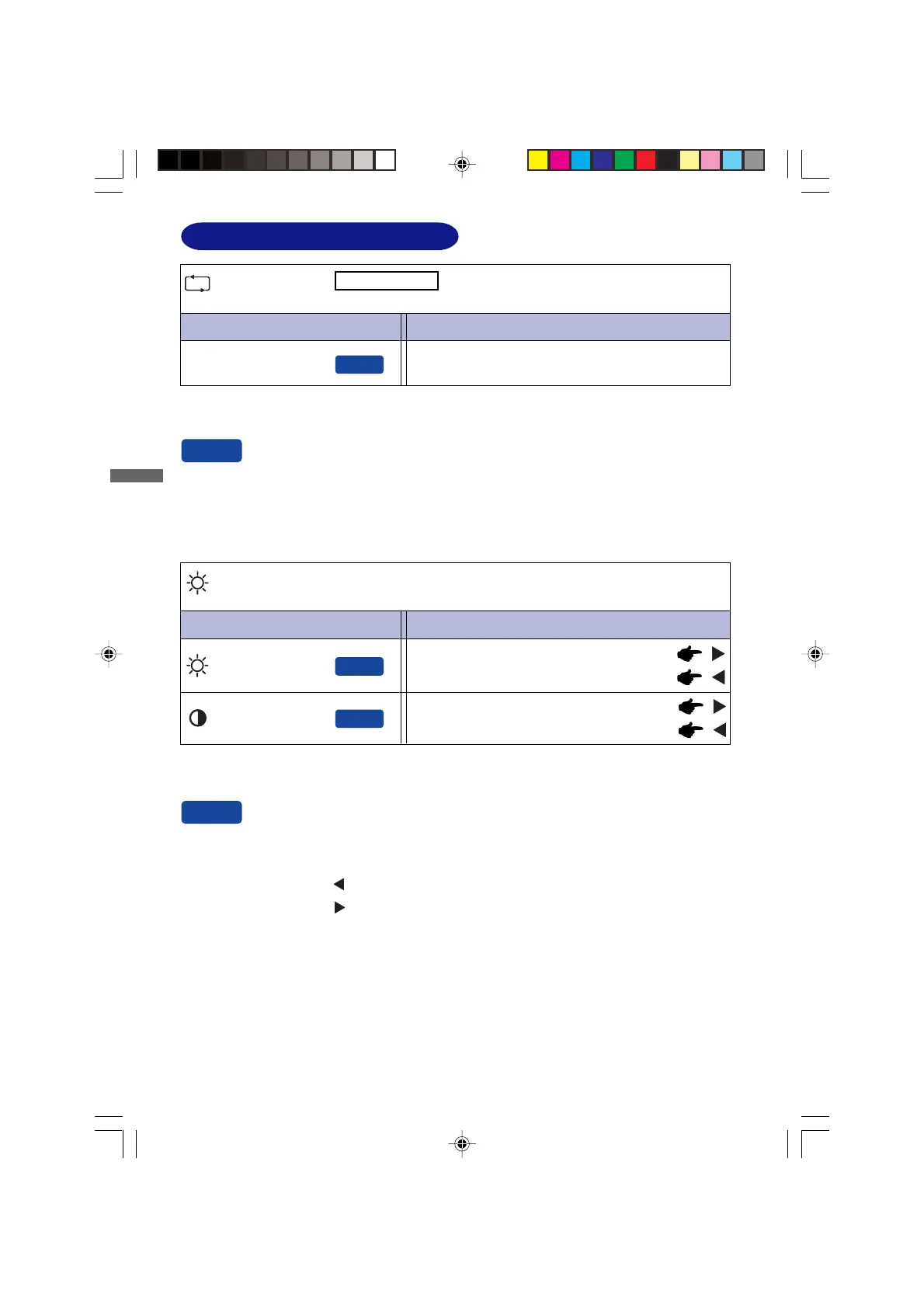
ADJUSTMENT MENU CONTENTS
Adjustment Item Problem / Option Button to Press
Auto Adjust
Auto Adjust *
You can skip the Menu items and display an adjustment scale directly by using the following
button operations.
z Auto Adjust: Press the Auto Button when the Menu is not displayed.
Direct
Direct
Adjust H. / V. Position, Pixel Clock and Phase automatically.
* For best results, use the Auto Adjust in conjunction with the adjustment pattern. See page 14 for
SCREEN ADJUSTMENTS.
Adjustment Item Problem / Option Button to Press
Luminance
Direct
Too dark
Too bright
Brightness *
Contrast
Too dull
Too intense
Direct
* Adjust the Brightness when you are using the monitor in a dark room and feel the screen is too
bright.
You can skip the Menu items and display an adjustment scale directly by using the following
button operations.
z Contrast: Press the Button when the Menu is not displayed.
z Brightness: Press the Button when the Menu is not displayed.
Direct
Only Analog Input
PLE2200WS-e-M015A01.P65 9/7/2006, 8:56 PM14






 To Next Page