ENGLISH
10 OPERATING THE MONITOR
ADJUSTMENT MENU CONTENTS
Adjustment Item Problem / Option Button to Press
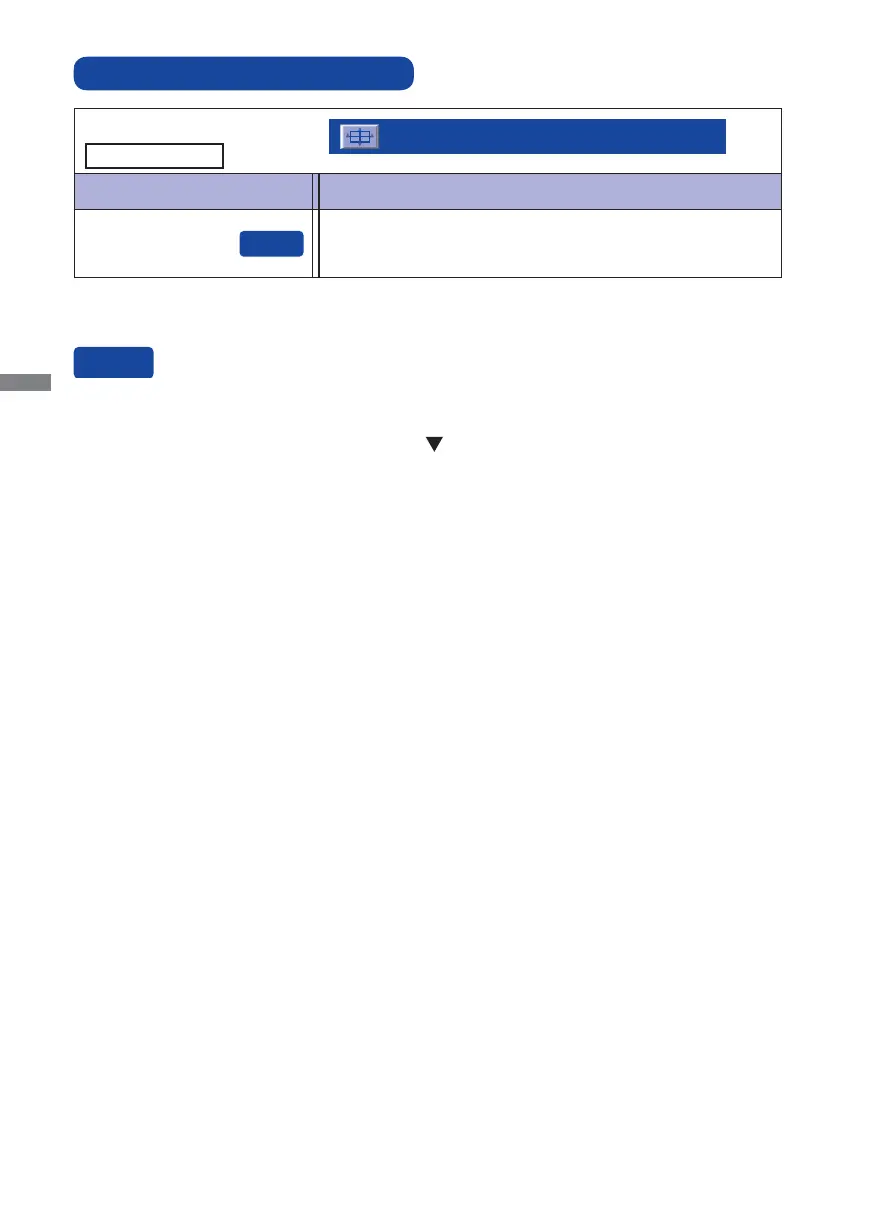
Auto Image Adjust
Auto Image Adjust
Auto Image Adjust *
Adjust H. / V. Position, Clock and Phase automatically.
* For best results, use the Auto Image Adjust in conjunction with the adjustment pattern. See page 17
for SCREEN ADJUSTMENTS.
Only Analog Input
You can skip the Menu items and display an adjustment scale directly by using the following button
operations.
Auto Image Adjust: Pressing and holding of the
Button for about 2 seconds when the Menu is
not displayed.







 To Next Page