ALARM
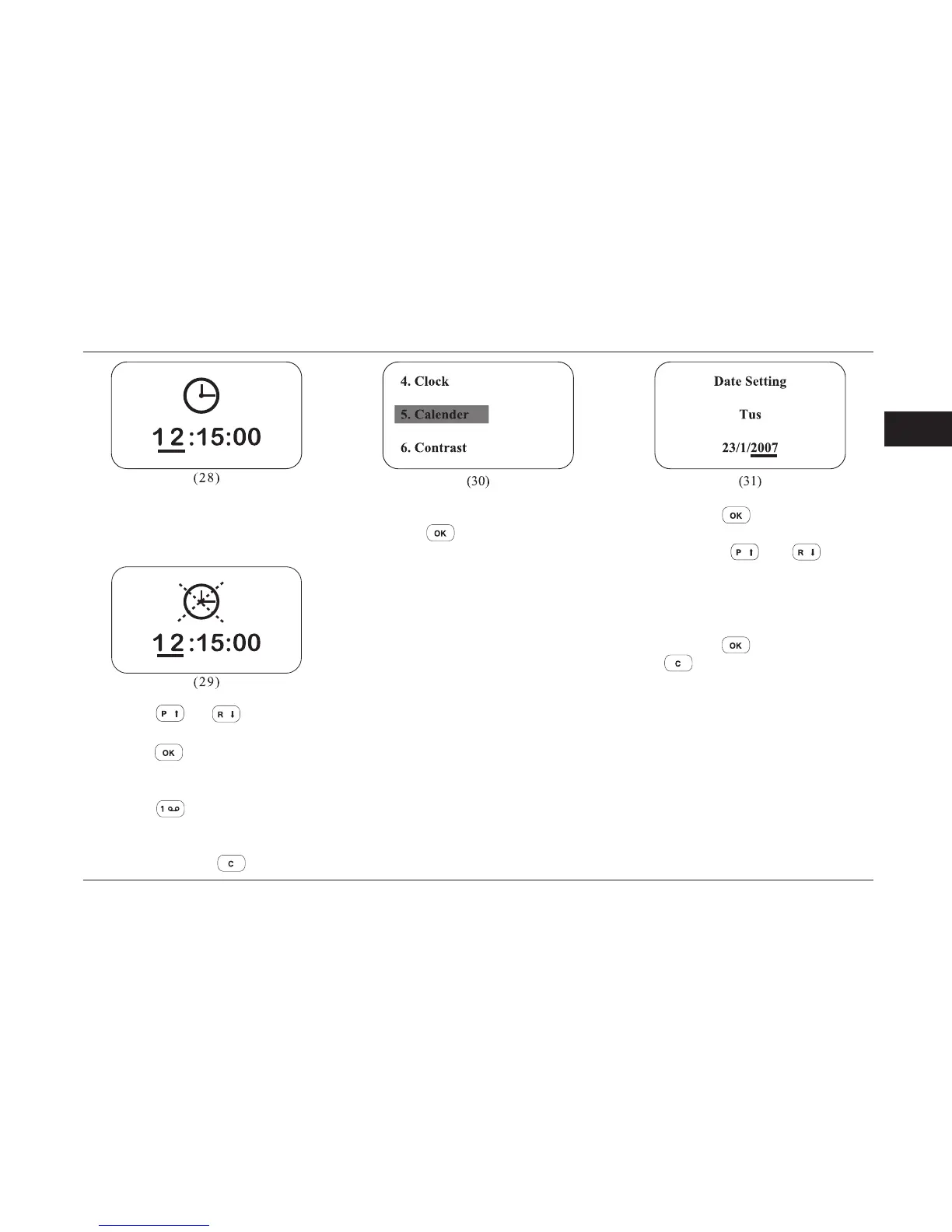
In this mode a dark line will appear under
the time digit (28).
By pressing
and buttons, adjust
the clock digit.
By pressing
button, you can move on
the minute and second digits and adjust
them accordingly.
By pressing
button, you can activate
or deactivate clock display on the main
menu (29).
Exit menu by pressing
button.
Option menu 5: Date adjustment
By pressing button enter menu 5(30).
In this menu you can choose the day,
year, month and weekdays options.
By pressing the
button the dash sign
will move between year, month and day (31).
By pressing the
and buttons,
adjust the date.
If the date is adjusted, weekdays will be
adjusted automatically.
The range of adjustable date is 50 years.
By pressing the
button, exit menu.
Press
button to exit the menu.



 To Next Page