16-1 16. OPERATION Screen Setting
16. OPERATION Screen Setting
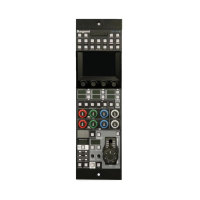
In the OCP-300, you can arbitrarily add and edit (delete, etc.) the items on the
Operation screen.
You can assign 8 ON/OFF switches and 4 analog items per 1 page and create up to 5
pages on the Operation screen.
16.1 OPERATION Screen Assignment Procedure
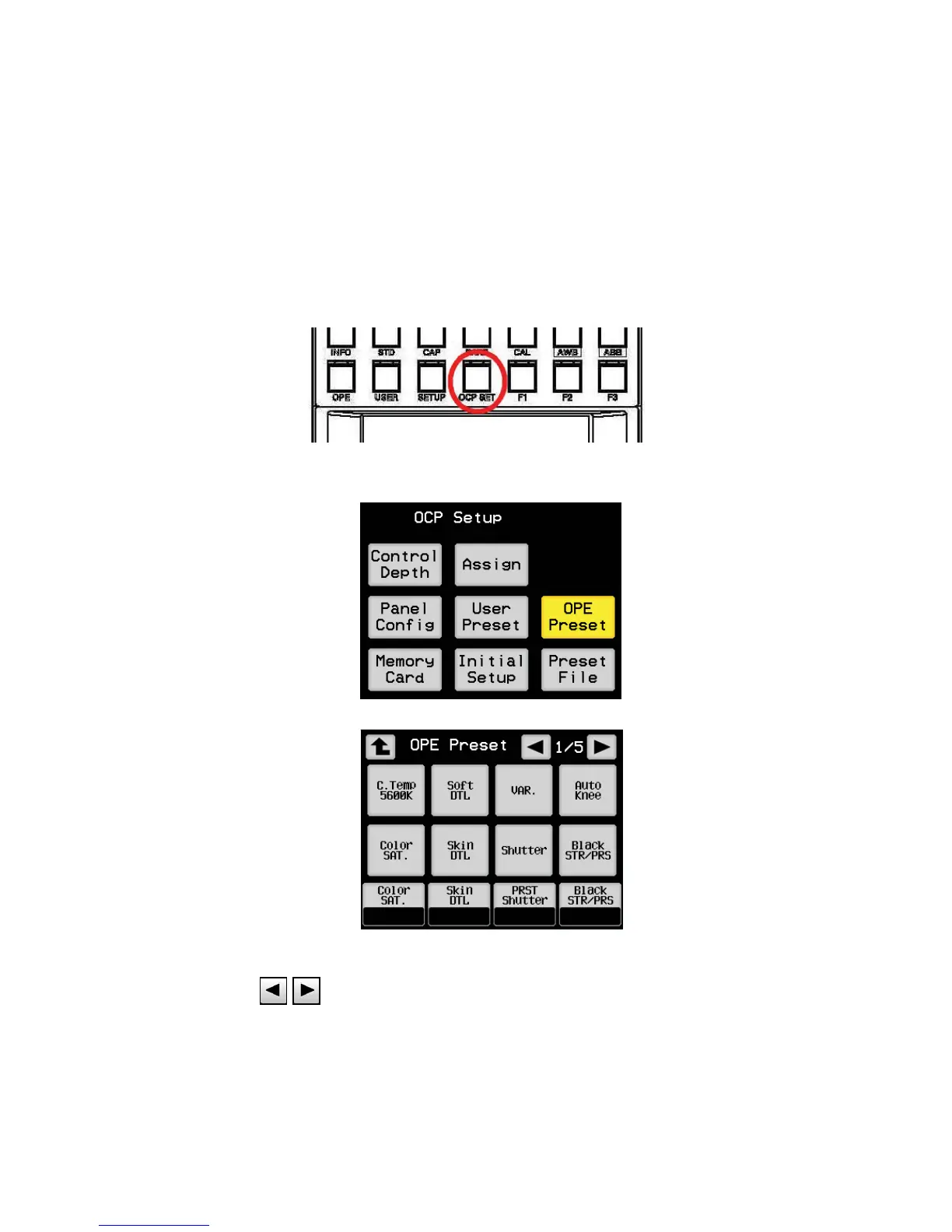
1. Press OCP Setup switch from FUNCTION switches on the top of LCD screen and press
[OPE Preset] switch.
2. The pages you want to assign can be switched between [1/5], [2/5], [3/5], [4/5], and [5/5]
with the on the top of LCD screen.


 To Next Page