17
Ikusi Flow guide
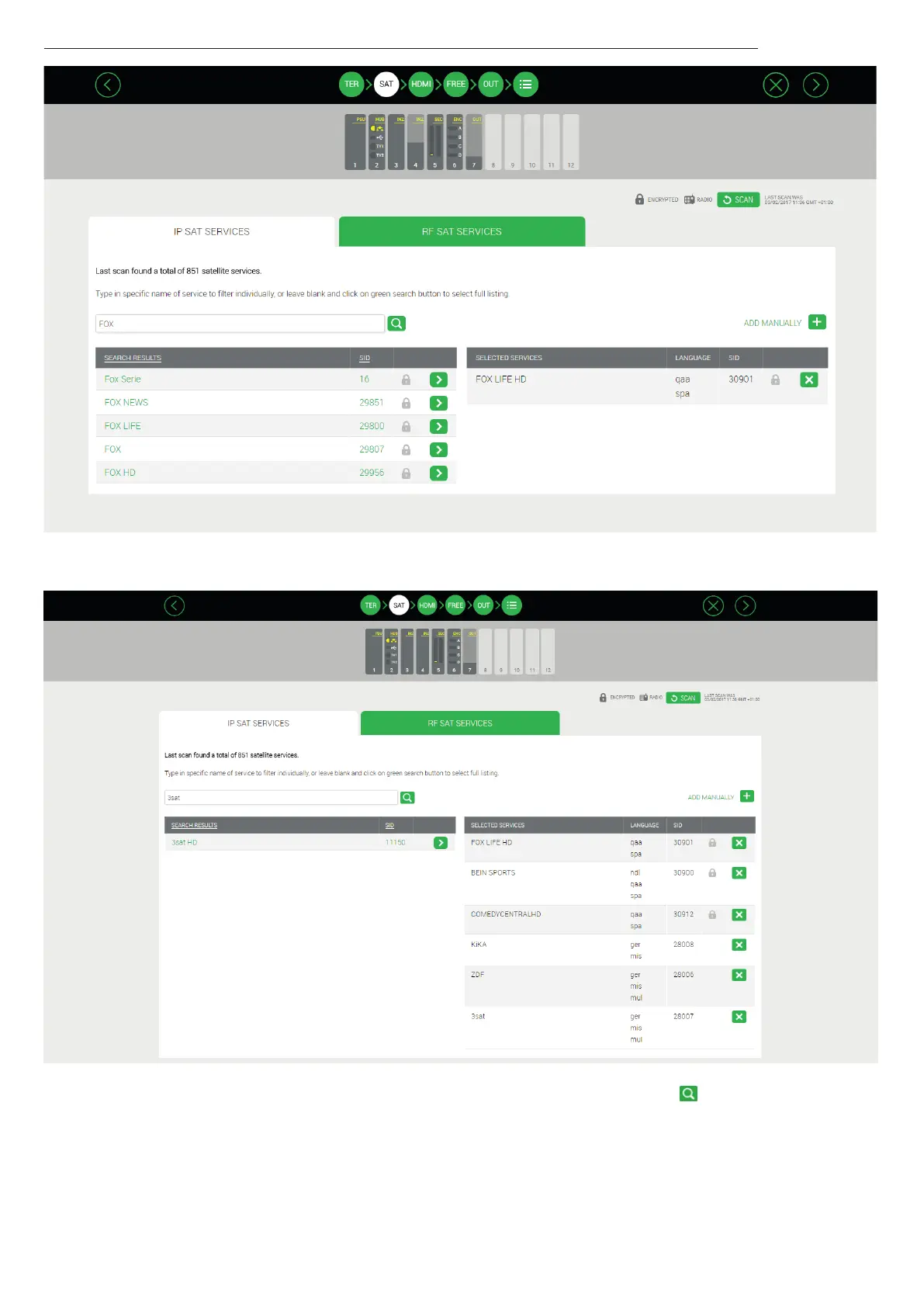
One by one, search the desired services and add them to the output.
NOTE : If instead of looking for a specific service, you leave the search box empty and press the , button , a list will appear
with all the services detected in the satellite cables.
Repeat the process in the RF tap to configure the satellite services that must be conveyed in the RF network.



 To Next Page