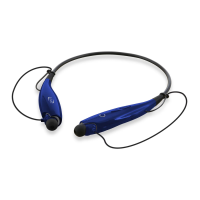
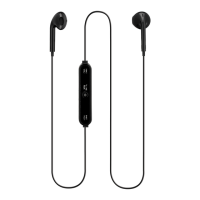
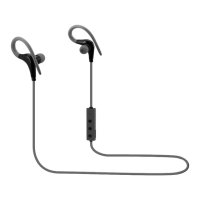
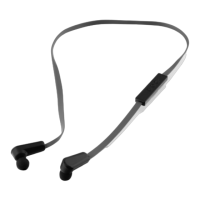
Wireless Earbuds
User’s Guide for Model IAEB29 v2276-01
Volume / Skip
Press and hold to adjust volume.
Press to skip ahead or back.
Power / Pair / Play / Pause /
Speakerphone
Press and hold to power ON or OFF.
Press and hold for 9 seconds to power
ON and pair Bluetooth.
Press to play or pause audio.
Press to answer incoming phone call.
Orientation & Controls (Right Earbud only)
Battery Charging
• Pull back the cover on the DC Power Input.
• Using a Micro-USB to USB cable, connect to
the USB port of a powered on computer or USB
power adaptor (not included).
Initial charge time is approximately 2 hours. Charge
fully before use.
When the battery is low an indicator LED will ash
red for 1 minute and a voice will announce “Low
Battery,” then the unit will automatically power OFF.
While the unit is charging it will display a solid red
light. When the unit is fully charged it will display a
solid blue light.
DC Power Input
Microphone
Indicator LED
Features
• Rubberized coating
• Sweat proof
• Bluetooth Wireless: range 33 ft.
• Active noise cancellation
• Built-in microphone
• Voice prompts announce earbud operations
• Digital volume control
• Built-in rechargeable battery: aprroximately 4
hrs playtime
• Micro-USB port for battery recharge
Includes
• 3 pairs of eartips: 1 small, 1 medium, 1 large
• Micro-USB to USB charging cable

 Need help?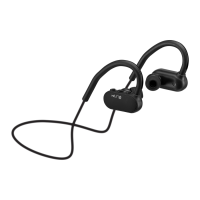

 To Next Page
 General