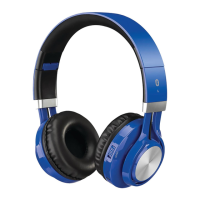
Using the Aux In Audio Input
Requires a 3.5mm audio cable (included).
1. Connecta3.5mmaudiocabletotheAUX IN ontheunitandthe
audio outputonanaudiodevice.
2. Usethecontrolsontheconnecteddevicetoselectandplayyouraudio
throughtheheadphones.
Installing a Micro-SD Memory Card
Requires a Micro-SD card, up to 32GB (not included). Supports MP3 le types.
1. InsertaMicro-SD cardintothecardslotbypushingitrmlyuntilitseats.
Removal is the opposite of this.
2. PresstheSD/BT buttontoswitchtoSD mode.Usethecontrolsontheear
cuptoplay,pause,orskiptracksonthecard.
BLUETOOTH
Pairing a Bluetooth Device for the First Time
1. Simultaneouslypowerontheunitandbeginthepairingprocessbypressing
andholdingthePower/Pair buttonforapproximately4 seconds.
The indicator will ash red and blue. When pairing, remain within 3 feet
of the unit.
2. UsingthenativecontrolsonyourBluetoothdevice,selecttheIAHB16in
yourBluetoothsettingstopair.
If your device requests a password, enter the default password 0 0 0 0 .
Refer to the user’s manual for your specic device for instructions on pairing
and connecting Bluetooth devices.
After initial pairing, the unit will stay paired unless unpaired manually by the
user or erased due to a reset of the device.
3. Ifyourdeviceshouldbecomeunpairedoryounditisunabletoconnect,
repeattheabovesteps.
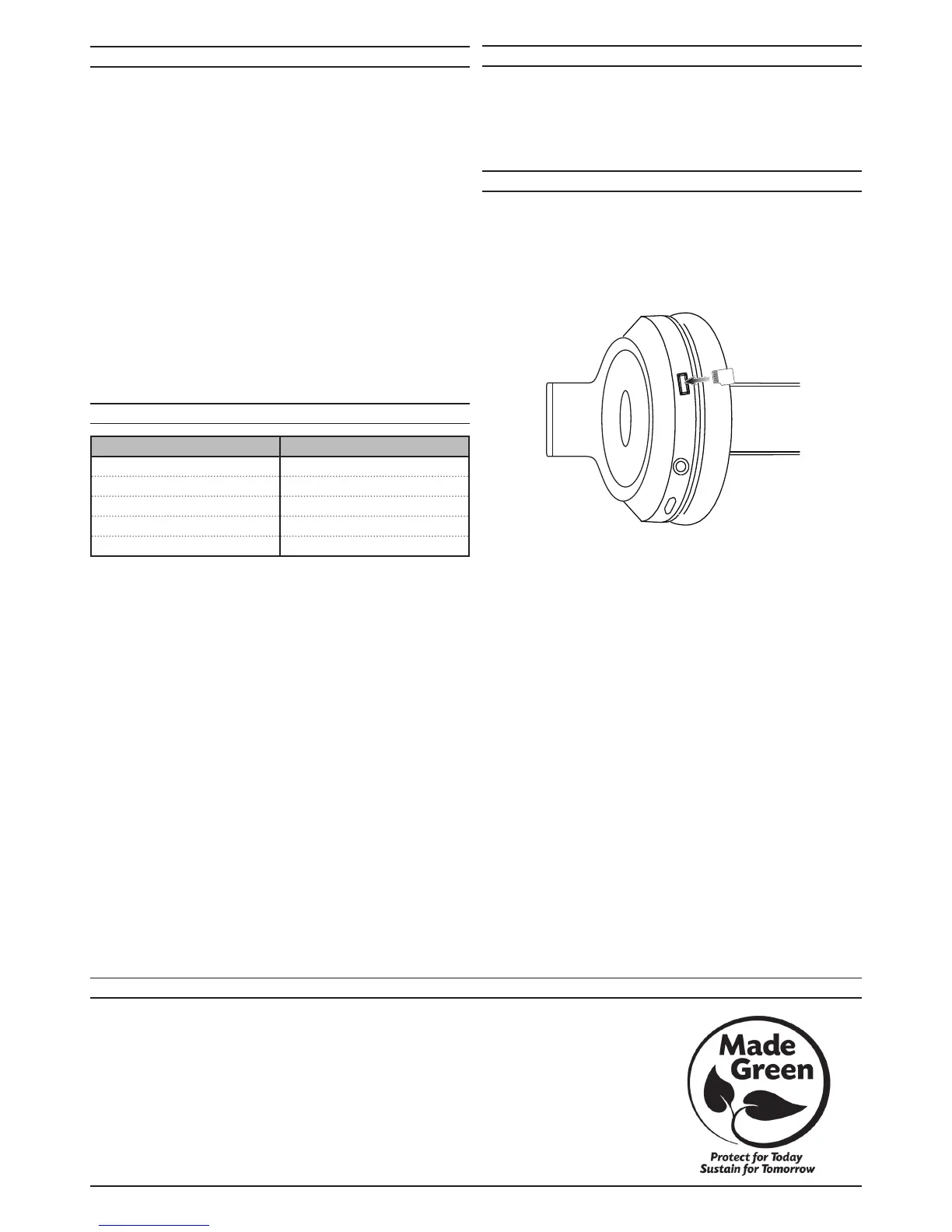
AUX IN
MEMORY CARD
LED INDICATORS
Playing Audio Wirelessly
1. Toplayorpausetheselectedtrack,usethecontrolsontheconnected
BluetoothDeviceorpressthePlay/Pause button.UsetheSkip Fwd/Rev
buttonstoskipbetweentracks.
2. AudioplayedthroughtheconnectedBluetoothdevicewillnowbeheard
throughtheheadphones.
STATUS INDICATOR
PowerOn Flashingbluelight
PowerO Nolight
Charging Solidredlight
ChargingComplete Nolight
Pairing Flashingredandbluelights
TodownloadthisUser’sGuideinEnglish,Spanish,orFrench,ortogetanswerstofrequentlyaskedquestions,visit
thesupportsectionat:www.iLiveElectronics.com
ParadescargaresteManualdelUsuarioeninglés,españolyfrancés,oparaobtenerrespuestasapreguntas
frecuentes,visitelaseccióndeapoyoen:www.iLiveElectronics.com
Pourtéléchargerceguidedel’utilisateurenanglais,espagnoloufrançais,oupourobtenirdesréponsesàdes
questionsfréquemmentposées,consultezlarubriqued’assistancesur:www.iLiveElectronics.com
ForWarrantyInformationandthemostup-to-dateversionofthisUser’sGuide,gotowww.iLiveElectronics.com
Customer Service:1-888-999-4215| Email Support:prodinfo@dpiinc.com| Email Parts:partsinfo@dpiinc.com
Copyright©2015DigitalProductsInternational(DPI,Inc.)Allothertrademarksappearinghereinaretheproperty
oftheirrespectiveowners.Specicationsaresubjecttochangewithoutnotice.
INTERNATIONAL SUPPORT
DC IN
AUX IN
MICRO
SD
NICRO SD


 To Previous Page
 Loading...