23
22
21
Control Denitions
15
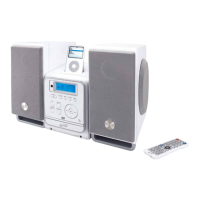
15 External Speakers
The External Speakers connect to the unit to amplify music or radio played from
the unit.
16 Dual CD Player
The Dual CD Player allows two CDs to be loaded into the unit at the same time.
17 AC Power Cord
Use the AC Power Cord to plug the unit into a standard AC outlet (120V ~ 60Hz).
18 FM Wire Antenna
Adjust the FM Wire Antenna to improve the reception of the FM radio.
19 Headphone Jack
Use the headphone jack to connect a set of earbuds or headphones to the unit.
20 Video Output (Composite RCA)
Use the Video Output to send video from a docked iPod to a connected television.
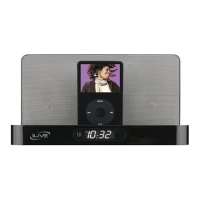
21 Dock for iPod
Use the Dock for iPod to dock an iPod onto the unit.
22 External Speaker Connections
Use the External Speaker Connections to connect external speakers.
23 Auxiliary Input
Use the Auxiliary Input to connect an MP3 player or other audio source to the unit.



 To Next Page