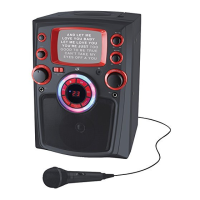
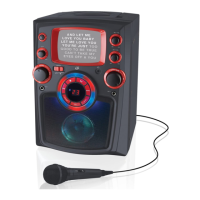
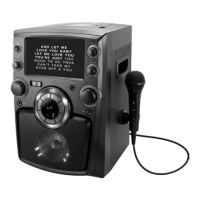
10
CD & CD+G
Loading and Playing a CD
Note: This unit is not compatible with MP3 CDs.
1. Open the CD door.
2. Load a CD or CD-R/RW disc into the karaoke machine, label side facing up.
3. Close the CD door.
4. Set the Source Switch on the front of the unit to CD mode.
5. Press the Play/Pause button to begin playing the loaded CD.
Loading and Playing a CD+G
1. Open the CD door.
2. Load a CD+G disc into the karaoke machine, label side facing up.
3. Close the CD door.
4. Set the Source Switch on the front of the unit to CD+G mode.
5. Plug a microphone (one included) into the Mic 1 or Mic 2 inputs.
6. Press the Play/Pause button to begin playing the loaded CD+G.
CD vs. CD+G
CD+Gs, or CD+Graphics, are CDs that are specially formatted for use with karaoke machines. In addition to
the audio tracks, they contain graphics and text for lyrics that will appear on the screen while the CD is playing.
Switching the unit to CD+G mode will activate the screen and display lyrics from the loaded CD+G. You must set
the source to match the type of disc you wish to play. CD mode should only be used to play CDs. Likewise, CD+G
mode should only be used to play CD+Gs.
Automatic Voice Control
Automatic Voice Control allows the karaoke machine to compensate for irregularities in microphone voice input.
It also serves to blend or separate the user’s voice from the recorded vocals on an audio track. Press the AVC
button to activate Automatic Voice Control. Please note that AVC only works when someone is actively singing into
the microphone.
To manually adjust voice control, use the Echo and Balance knobs on the front of the unit.
Programming a Loaded CD or CD+G
The procedure for programming either type of disc is the same.
1. Press the Stop button to stop a loaded disc.
2. Press the Program button.
3. Press the Skip/Search buttons to select a track from the loaded disc.
4. Press the Program button to add the selected track to the program.
5. Repeat steps 4 and 5 to program up to 20 tracks to play in a specified order.
6. Press the Stop button to cancel a program.



 To Next Page