4
QUICKSTART
█ POWERTHEBARSPEAKER
1. Connect the bar speaker to AC power source using the attached AC Power Cord.
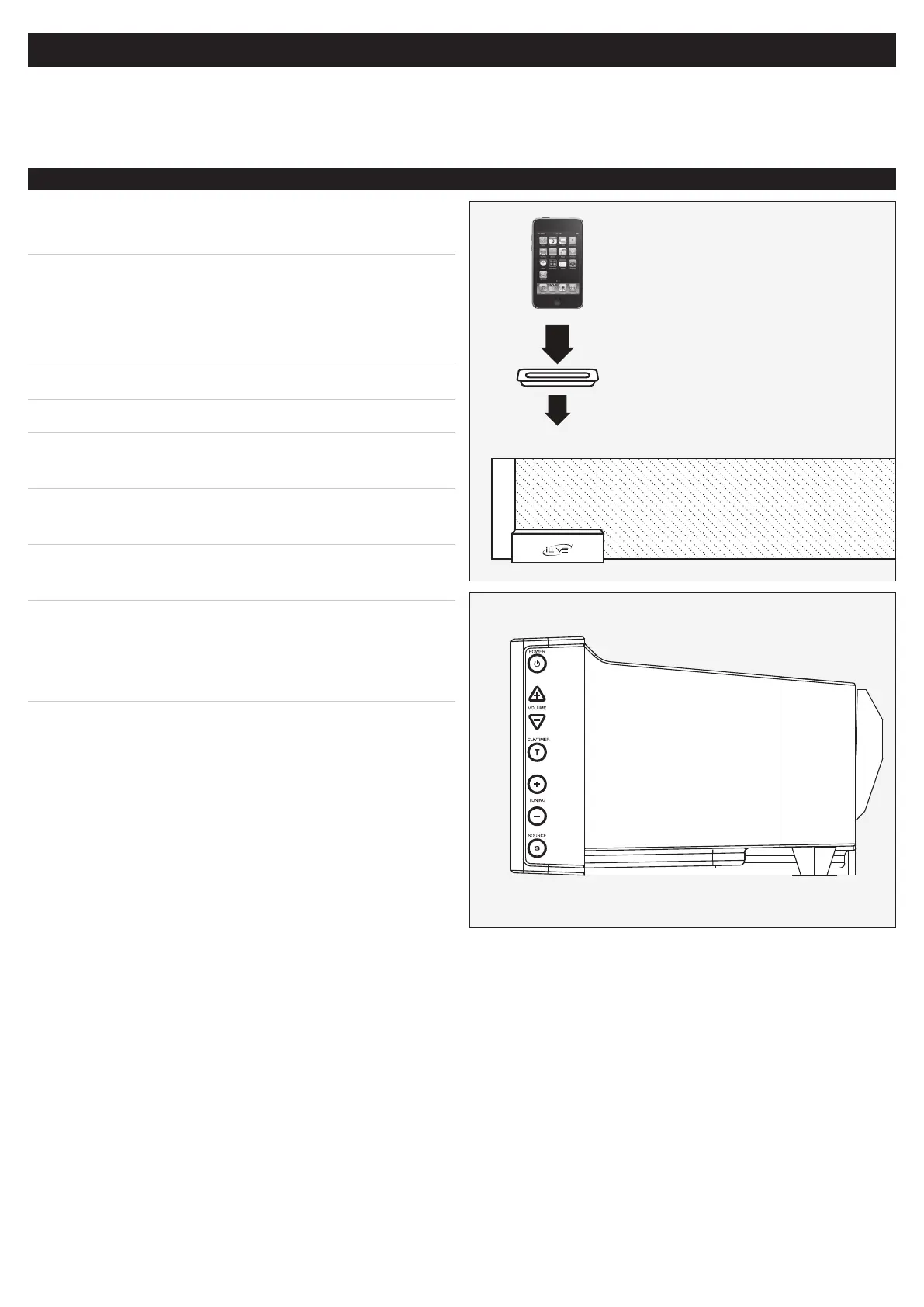
1. LocatethenumberedbracketthattstheiPodthat
will be docked.
Each included Bracket has a number on it, indicating
which iPod model that bracket is compatible with.
• Seetheseparatebracketchartpagetoidentify
whichbracketisneeded.
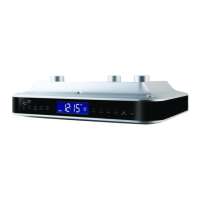
2. Press the PowerButton to turn the bar speaker on.
3. Press the SourceButton to switch to iPod Mode.
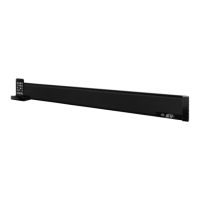
4. Press the iPodDrawer Button, on the left side of
the bar speaker,toopenthemotorizeddockforiPod.
5. Snap the bracket into place over the iPodConnector
in the dock.
6. Connect the iPod to the iPodConnector inside the
dock.
7. After the iPod is docked, the bar speaker is powered
on, and the bar speaker is in iPod Mode, press the
Play/PauseButtonon the remote to begin playing
the docked iPod.
PLAYINGANIPOD


 To Next Page