Customer Support: 1-888-999-4215 11
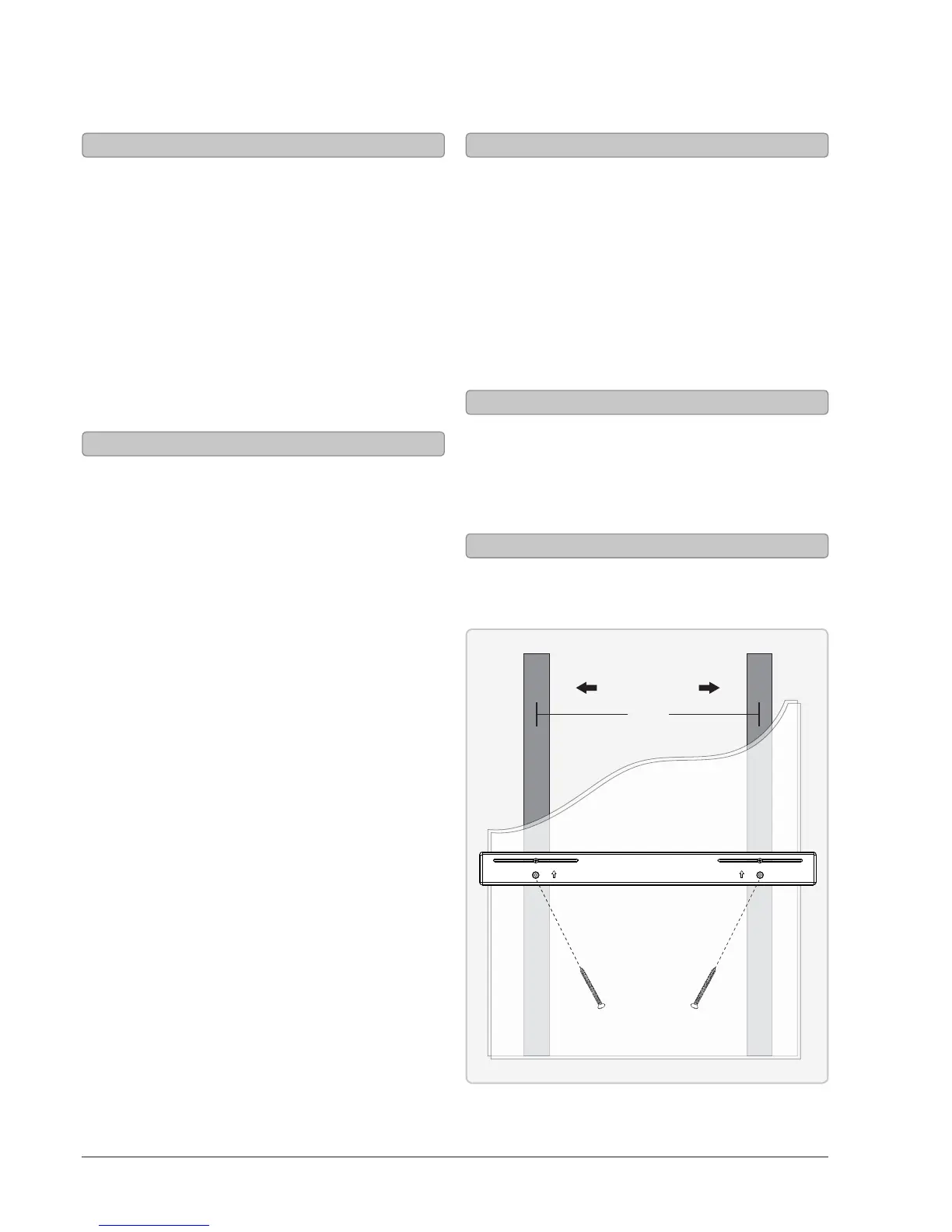
Mounting to a Wall
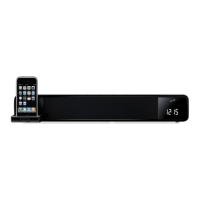
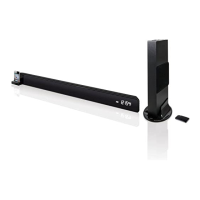
We recommend having this HD Sound
Bar professionally mounted.
1. The HD Sound Bar must be hung within
6 feet of an AC power outlet for the
attached AC power cable to reach.
2. Use the included long screws and wall anchors
to attach the mounting bracket to the wall.
3. Slide the HD Sound Bar onto the mounting
bracket, and make sure there is a rm and stable
connection before letting go of the HD Sound Bar.
• Manual or Power Screwdriver
• Stud Finder
• Pencil
• Tape Measure
• Level
Important Notes
Required Tools
Learn Feature
Using the Learn Feature
Understanding the Learn feature
1. With the power O, press the
Learn button on the unit.
The display will show “WAIT”.
2. Press the button you desire to be
learned on the included remote.
For example: Volume+
The display will show “YES”, then
continue to show “WAIT”.
3. Press the corresponding button on your remote.
The display will show “OK”, then
continue to show “WAIT”.
4. Press the Learn button on the unit.
The unit will power o.
5. The programmed button on your remote will
now be able to control your sound bar.
Note: It is necessary to program each button
i.e. channel and volume + and - separately.
Note: Not all functions of the sound bar
will be available through your own remote
control, such as bass and treble. Use the
included remote for these functions.
Note: While ITP582B is able to learn most IR
protocols, not all can be programmed.
To start over, press and hold the learn key for over
3 seconds. If the sound bar has failed to learn
a command, the display will show “ERROR”.
What is the Learn feature?
The Learn feature captures remote commands
from your television remote, and teaches your
bar speaker to operate when these commands
are pressed. Power, volume and mute are a few
examples of commands that the bar speaker can
learn.
Why use the Learn feature?
Teaching the bar speaker remote commands
will reduce the number of remotes needed,
save time searching for remote codes,
and improve the ease of operation.
STUDS
WALL
16”
FROM CENTER TO CENTER
MOUNTING BRACKET
• Wall mount bracket
• 2 Long screws
Included Hardware



 To Next Page