Customer Support: 1-888-999-4215 iLive 11
Wireless Subwoofer Setup
While the wireless subwoofer was paired at the
factory to allow for immediate operation, it will
occasionally become un-paired in transit. Un-
pairing can also occur in day-to-day operation
due to dierent environmental inuences. This is
normal. Should this occur, please follow the pairing
instructions below.
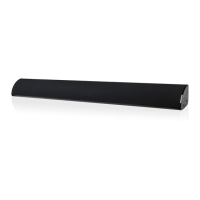
1. Plug the sound bar into a power source and press
the Power button to power the sound bar on.
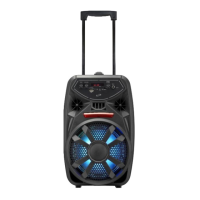
2. Plug the wireless subwoofer into a power
source and press the Power switch to
power the wireless subwoofer on.
3. Press and hold the Pairing button on
the wireless subwoofer until the Power/
Pairing Indicator begins to blink.
4. While the Power/Pairing Indicator on the
wireless subwoofer is blinking, press and
hold the Pairing button on the sound bar.
The Power/Pairing Indicator will remain lit once the
sound bar and wireless subwoofer has been paired.
After pairing, the wireless subwoofer may take
up to 30 seconds to begin playing audio from the
sound bar.
Pairing allows the sound bar to recognize a wireless
subwoofer. Once a wireless subwoofer is paired, the
sound bar will transmit audio to it.
• Once paired, the wireless speaker can be moved
up to 200ft (line-of-site) or up to 90ft (indoors)
depending on environmental conditions. Should
the sound drop or become garbled it will be
necessary to move the wireless subwoofer to
another location in order to receive the signal
clearly.
Important Note Pairing the Wireless Subwoofer
What does it mean to pair?
Additional Information
Link Indicator System Status
OFF Powered o
SLOW FLASHES Standby mode
QUICK FLASHES Attempting to pair
SOLID LIGHT Paired and playing


 To Next Page