6 7
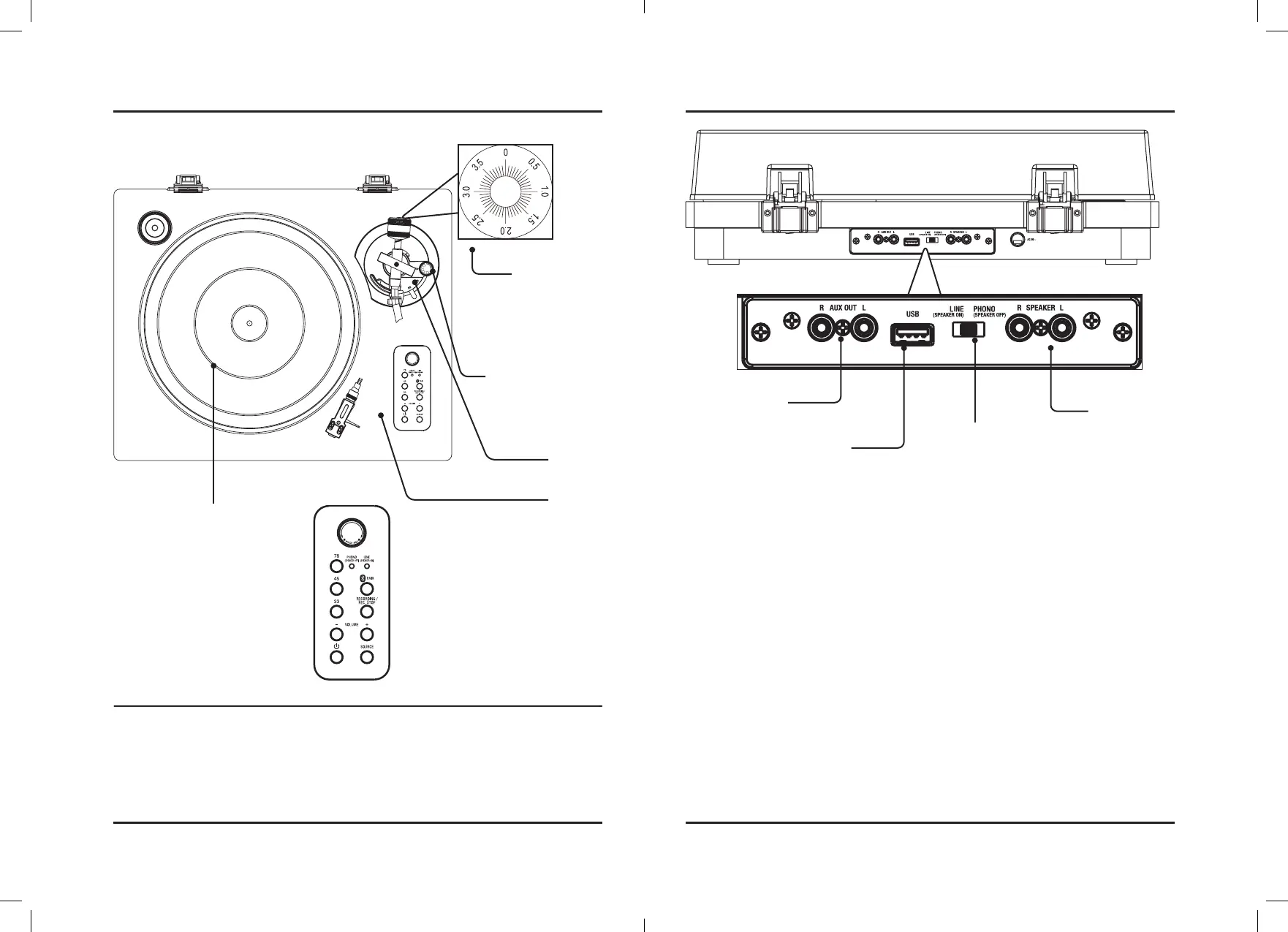
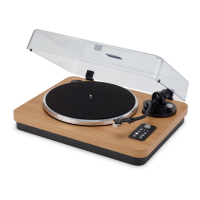
Orientation
Tone Arm
& Stylus
Turntable
Aux Out
USB
Insert USB drive
to record audio
from turntable.
Speaker Inputs
Tone Arm
Lift Switch
Features & Controls
Controls
Counterweight
Adjustment
Turn to adjust the
weight of the stylus
onto the record. Note:
3 grams of weight is
recommended
Anti-Skating Adjustment
Use to stop the stylus
from sliding toward the
center of the record.
Pitch Adj.
Use to fine tune the speed of the turntable.
78/45/30
Press to select playback speed of a record.
Volume
Power
Press to power ON/OFF.
Rec. Stop
Press to stop recording music to a USB.
Recording
Press to start recording music to a USB drive.
Pair
Press and hold to begin pairing to a Bluetooth device.
Playback Switch
Select Line If your
speaker system
(amplifier) does not have
phono inputs.
Select Phono if your
stereo system (amplifier)
has Phono inputs
connect your turntable
to the phono inputs on
your stereo system to
play music out loud.



 To Next Page