10 11
Operation
Playing a Record
It is recommended that you use extreme care when manipulating the tone arm, stylus, and other components of this
turntable. These parts are very sensitive and can easily break or become damaged if they are carelessly handled.
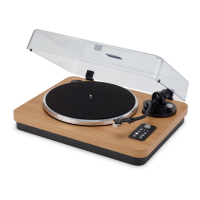
1. Enter into Turntable mode by pressing the Source button.
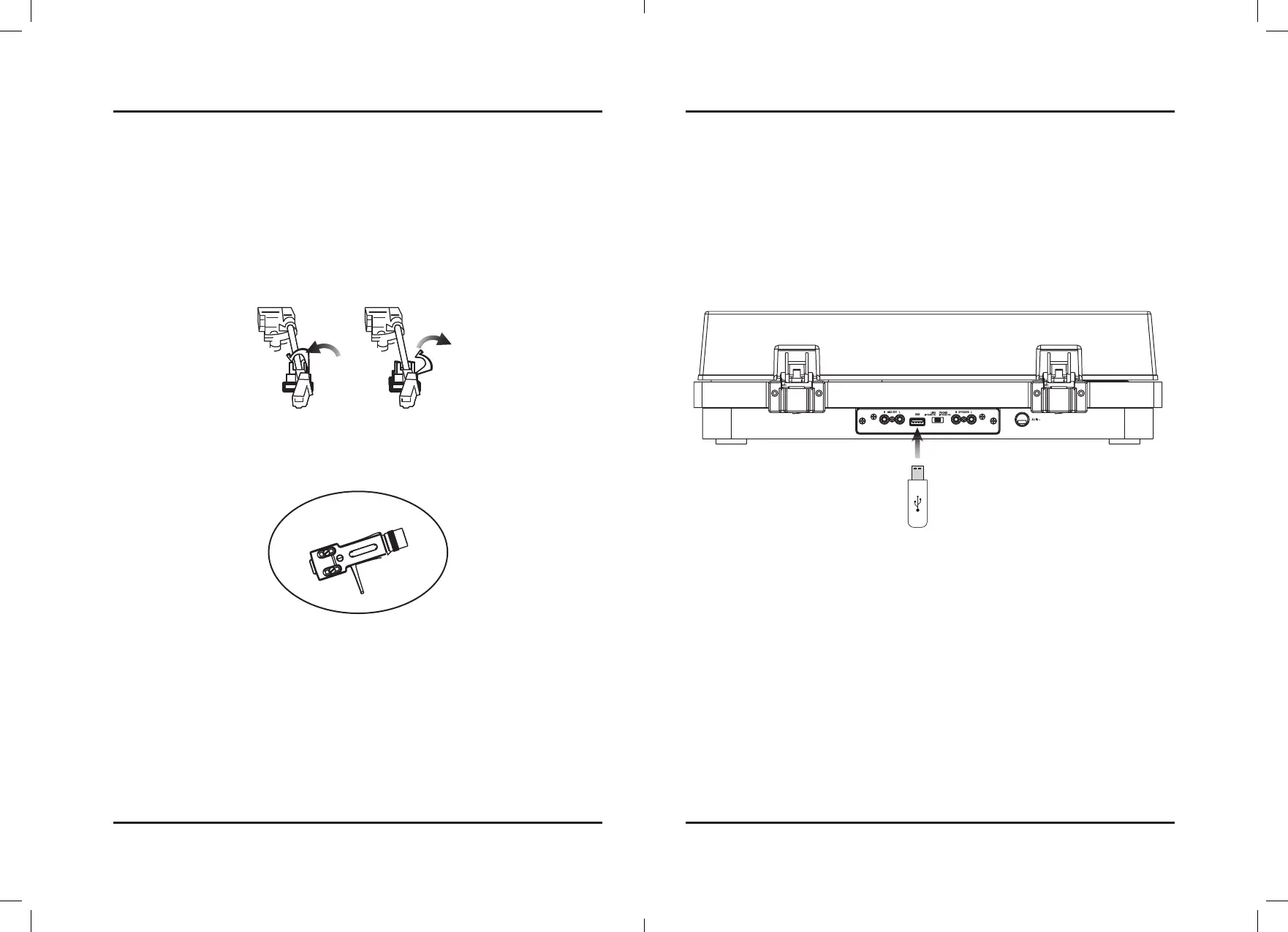
2. Remove the shroud that protects the stylus and release the lock that holds the Tone Arm in place.
3. Use the Tone Arm Lift Switch to raise the Tone Arm from its catch.
4. Using your hand, gently swing the Tone Arm into the desired location over the record. The turntable will start
spinning as the Tone Arm is moved into position.
5. Use the Tone Arm Lift Switch to safely lower the stylus onto the record.
Using the Lift Switch instead of your hand will reduce the chance of accidentally damaging the record or the stylus.
6. When not in use, secure and lock the Tone Arm in its resting position and replace the protective shroud over the
stylus. This will minimize the risk of accidental damage to these sensitive parts.
Lock Unlock
Stylus
Recording (USB)
Note: This unit can record playback from a record onto a USB drive to be saved via MP3 format.
Please Check to make sure Bluetooth is OFF.
1. Insert a USB drive into the rear of the unit.
2. Press the Recording button to begin recording the audio of the record being played. When recording the
backlighting will turn red.
3. To pause recording, press the Rec. Stop button. The red backlighting will begin flashing slowly.
4. When the recording is finished or you want to stop it, press and hold the Recording button for 5 seconds, the
red backlighting will turn off and the unit will exit recording mode.



 To Next Page