5-4 L4803EA
7. H. Position Adjustment
Purpose: To obtain correct horizontal position of
screen image.
Symptom of Misadjustment: If H. Position is
incorrect, horizontal position of image on the screen
may not be properly displayed.
Note: Use service remote control unit
1. Operate the unit for at least 20 minutes.
2. Enter the Service mode. (See page 5-1.)
3. Receive the monoscope pattern.
4. Press [8] button on the service remote control unit
and select “H-S” mode. (Display change “H-S” and
“H-P” cyclically when [8] button is pressed.)
5. Press [CH o / p] buttons on the service remote
control unit so that the monoscope pattern will be
90±5% of display size and the circle is round.
6. Turn the power off and on again. (Main power
button on the TV unit.)
8. H. Size Adjustment
Purpose: To obtain correct horizontal size of screen
image.
Symptom of Misadjustment: If H. Size is incorrect,
horizontal size of image on the screen may not be
properly displayed.
Note: Use service remote control unit
1. Operate the unit for at least 20 minutes.
2. Enter the Service mode. (See Page 5-1.)
3. Receive the monoscope pattern.
4. Press [8] button on the service remote control unit
and select “H-S” mode. (Display change “H-S” and
“H-P” cyclically when [8] button is pressed.)
5. Press [CH o / p] buttons on the service remote
control unit so that the monoscope pattern will be
90±5% of display size and the circle is round.
6. Turn the power off and on again. (Main power
button on the TV unit.)
9. V. Position Adjustment
Purpose: To obtain correct vertical width of screen
image.
Symptom of misadjustment: If V. Position is
incorrect, vertical height of image on the screen may
not be properly displayed.
Note: Use service remote control unit
1. Operate the unit for at least 20 minutes.
2. Enter the Service mode. (See page 5-1.)
3. Receive the monoscope pattern.
4. Press [9] button on the service remote control unit
and select “V-P” mode. (Display change “V-S” and
“V-P” cyclically when [9] button is pressed.)
5. Press [CH o / p ] buttons on the service remote
control unit so that the top and bottom of the
monoscope pattern will be equal of each other.
6. Turn the power off and on again. (Main power
button on the TV unit.)
10. V. Size Adjustment
Purpose: To obtain correct vertical width of screen
image.
Symptom of Misadjustment: If V. Size is incorrect,
vertical size of image on the screen may not be
properly displayed.
Note: Use service remote control unit.
1. Operate the unit for at least 20 minutes.
2. Enter the Service mode. (See page 5-1.)
3. Receive the monoscope pattern.
4. Press [9] button on the service remote control unit
and select “V-S” mode. (Display changes “V-S”
and “V-P” cyclically when [9] button is pressed.)
5. Press [CH o / p ] buttons on the service remote
control unit so that the monoscope pattern will be
90±5% of display size and the circle is round.
6. Turn the power off and on again. (Main power
button on the TV unit.)
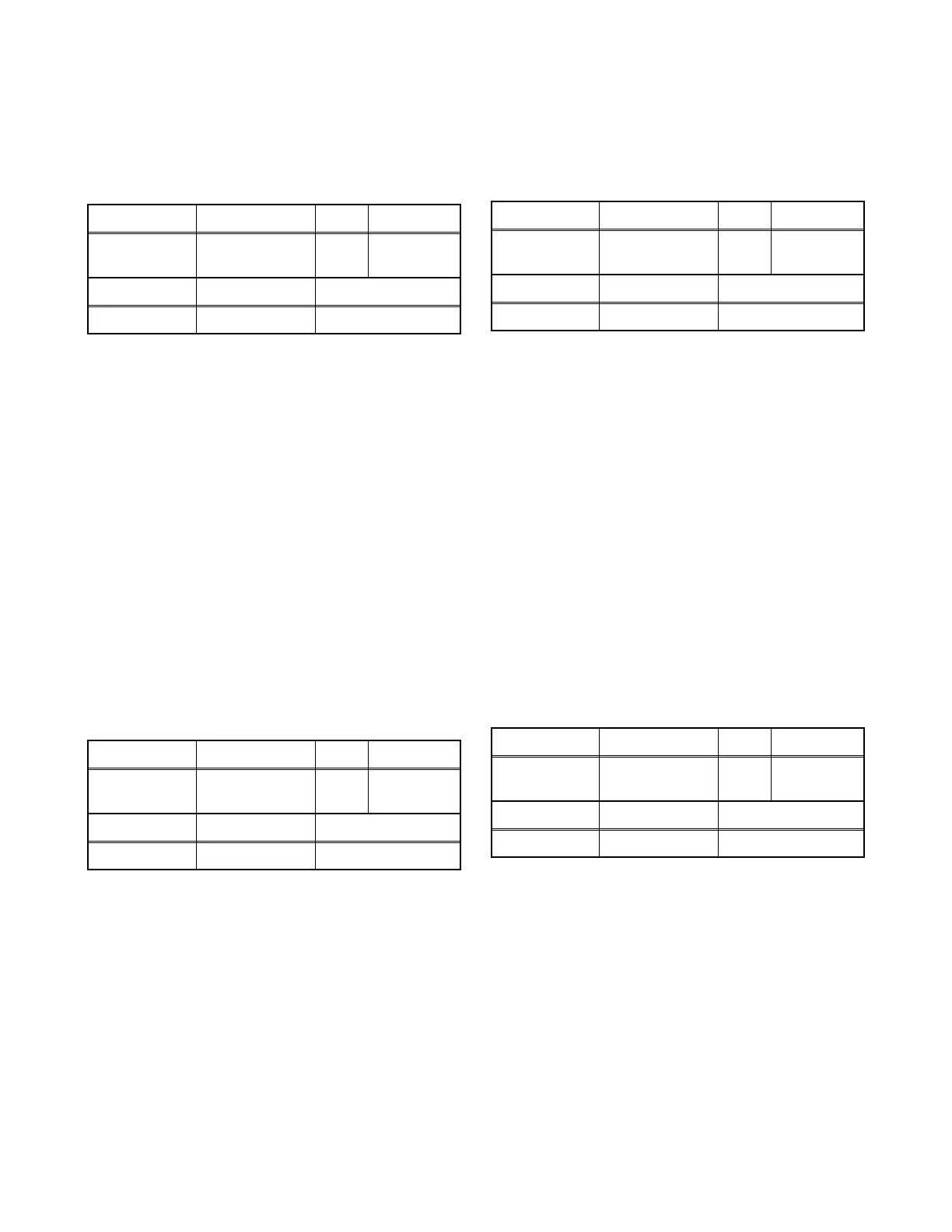
Test Point Adj. Point Mode Input
---
[CH o / p]
buttons
RF Monoscope
Tape M. EQ. Spec.
--- Monoscope 90±5%
Test Point Adj. Point Mode Input
---
[CH o / p]
buttons
RF Monoscope
Tape M. EQ. Spec.
--- Monoscope 90±5%
Test Point Adj. Point Mode Input
---
[CH o / p]
buttons
RF Monoscope
Tape M. EQ. Spec.
--- Monoscope See below.
Test Point Adj. Point Mode Input
---
[CH o / p]
buttons
RF Monoscope
Tape M. EQ. Spec.
--- Monoscope 90±5%



 To Next Page