14
EN
15
EN
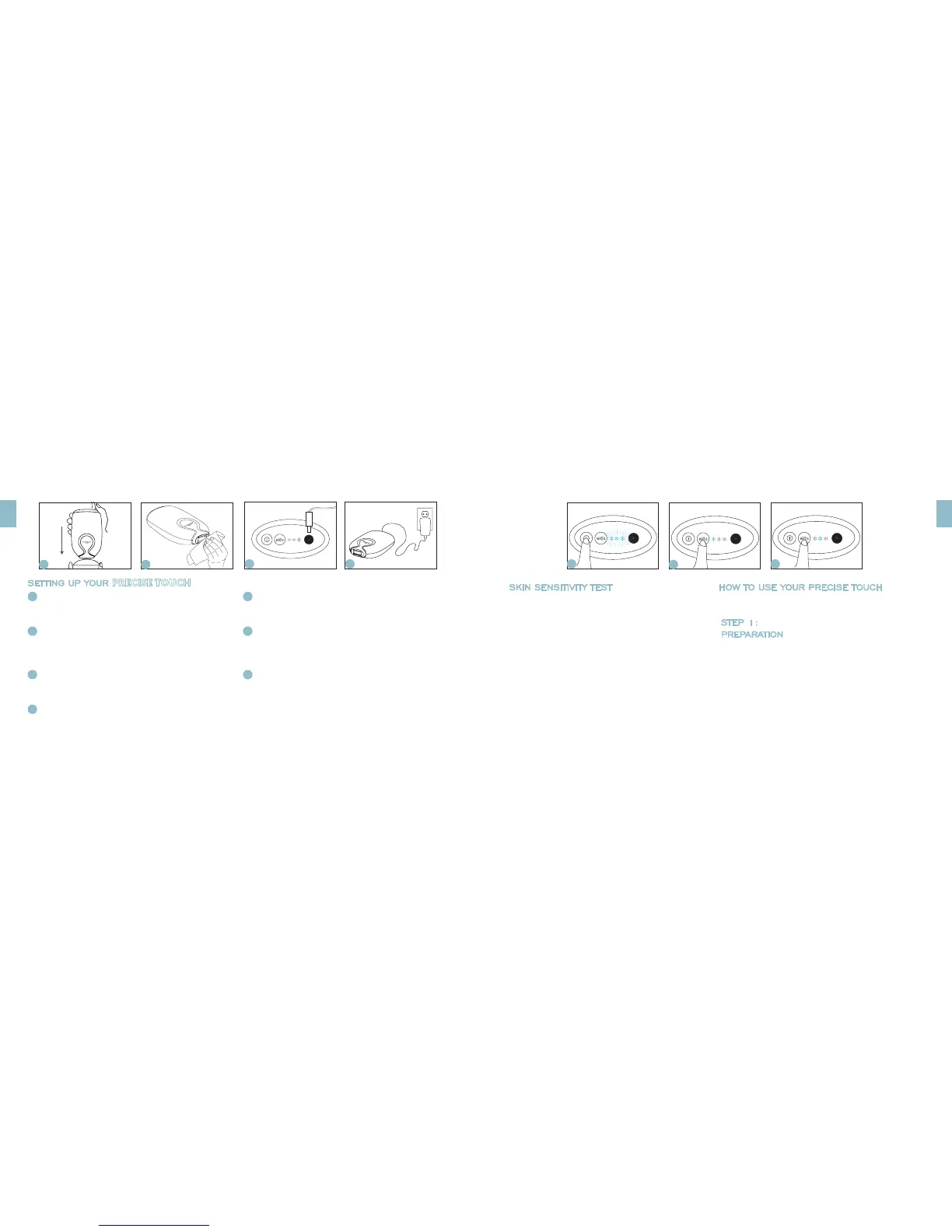
A
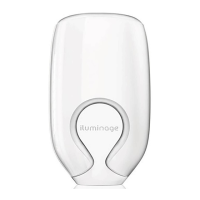
Lift the device from the stand. Prior to first time use,
remove the protective seal sticker from the device.
B
Clean the treatment window with a non-alcohol based
wet wipe or soft tissue. This is done in order to remove any
debris or dust from the treatment window.
C
Connect the power cord into the power supply port found
on the control panel of the PRECISE TOUCH.
D
Connect the power cord to an AC outlet.
SKIN SENSITIVITY TEST
If you are using the PRECISE TOUCH for the first time or
treating a new body area, choose a small area close to the
area you intend to treat. The Skin Sensitivity Test should be
performed on LOW energy level:
• Prepare your skin for the test and follow the treatment
instructions.
• Wait 30 minutes and check your skin for any reaction. If the
skin appears normal, then you are ready to perform a full
treatment.
• If the treated spot appears red or irritated, please wait 24
hours and repeat the test. Otherwise consult your doctor.
HOW TO USE YOUR PRECISE TOUCH
If this is your first time using the device, be sure to conduct the
Skin Sensitivity Test.
STEP 1:
PREPARATION
To prepare for your PRECISE TOUCH treatment:
• First remove hair from the area you want to treat.
• Clean your skin and dry it with a towel.
• This will ensure that the elōs technology is focused on the hair
follicles beneath the surface for optimal ecacy.
If you have light hair, it is recommended that you wax or epilate
immediately before treating with the PRECISE TOUCH in order to
get the best results. Make sure to clean your skin of any wax or hair
residue before starting treatment. Do not treat if you feel your skin
is irritated from waxing or epilation.
SETTING UP YOUR PRECISE TOUCH
E
Press the power button to turn the device on. All 3 energy level
indicators will light up blue and start blinking.
F
Press the elōs button once to select the LOW energy level. When the
energy indicator lights up steady blue, the PRECISE TOUCH is ready
for use.
G
To increase the setting to MEDIUM or HIGH, press the elōs button
until the indicator displays the desired level.
Note: When moving from HIGH to LOW, the device will reset. The
energy indicator lights will cycle momentarily before the LOW
energy indicator light appears a steady blue. Proceed treating on
LOW only after the the LOW indicator light is steady.
USING YOUR PRECISE TOUCH FOR THE FIRST TIME
USING YOUR PRECISE TOUCH FOR THE FIRST TIME
A
B
C
D E
F
G


 To Next Page