iLuv | 12i1166 | V10M10_IM_EN_091409
OPERATIONAL INSTRUCTIONS
Playing iPod videos
1. In the iPod home menu, press
or to choose Video.
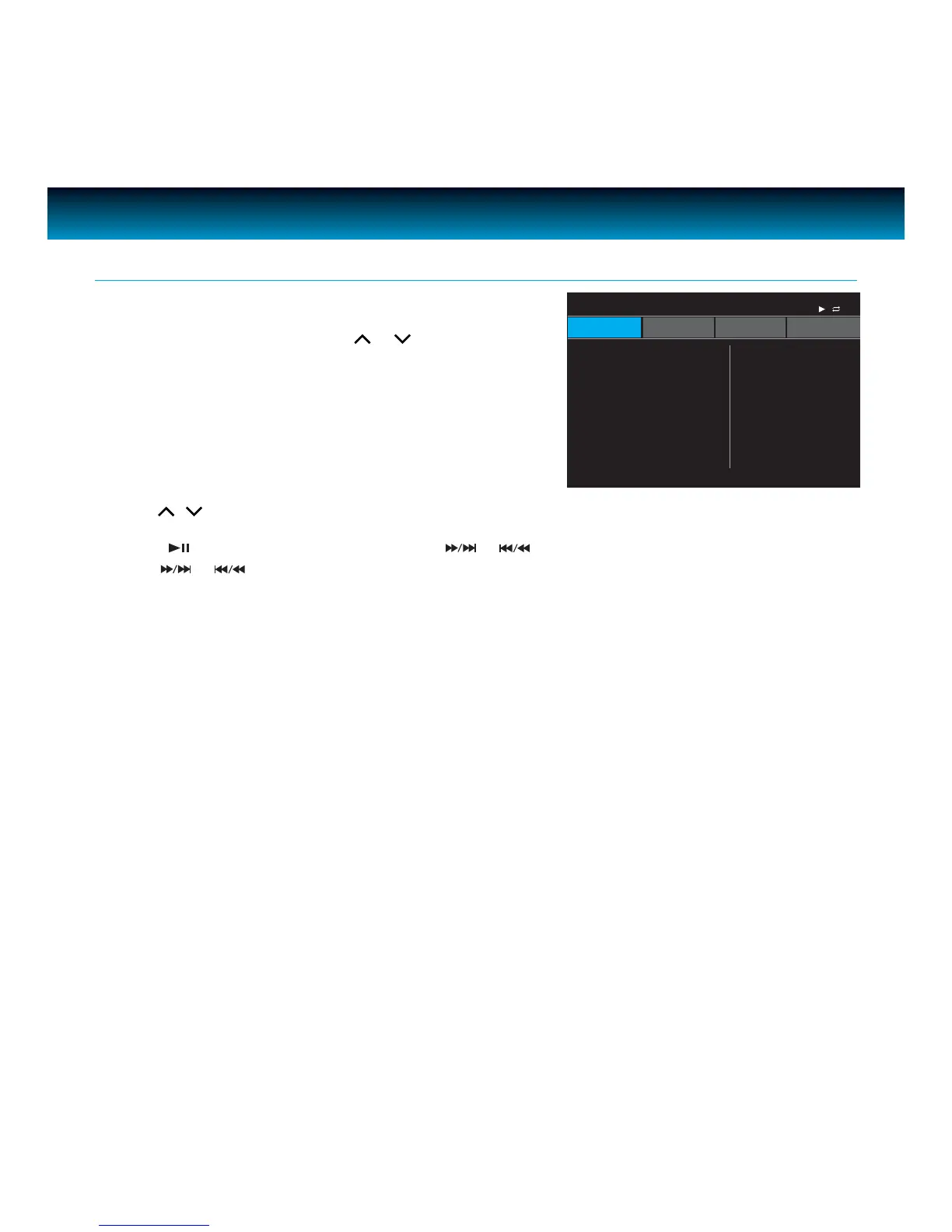
Press SELECT to enter, LCD screen will show
the iPod video menu. There are ve options: Movies,
Music Videos, TV Shows, Video Podcasts, and Rentals.
General Playback Instructions for iPod - continued
2. Use , and SELECT to choose a video le to play.
3. Press
to pause and resume play, press
or
to skip to previous or next, press and
hold
or
to quick search the section of current played chapter.
Note: iTunes movie chapter control not supported.
iPod DVD SD USB
Home>Video 1/5
Movies
Music Videos
TV Shows
Video Podcasts
Rentals
Chloe’s iPod
iLuv



 To Next Page