15 | iLuv
OPERATIONAL INSTRUCTIONS
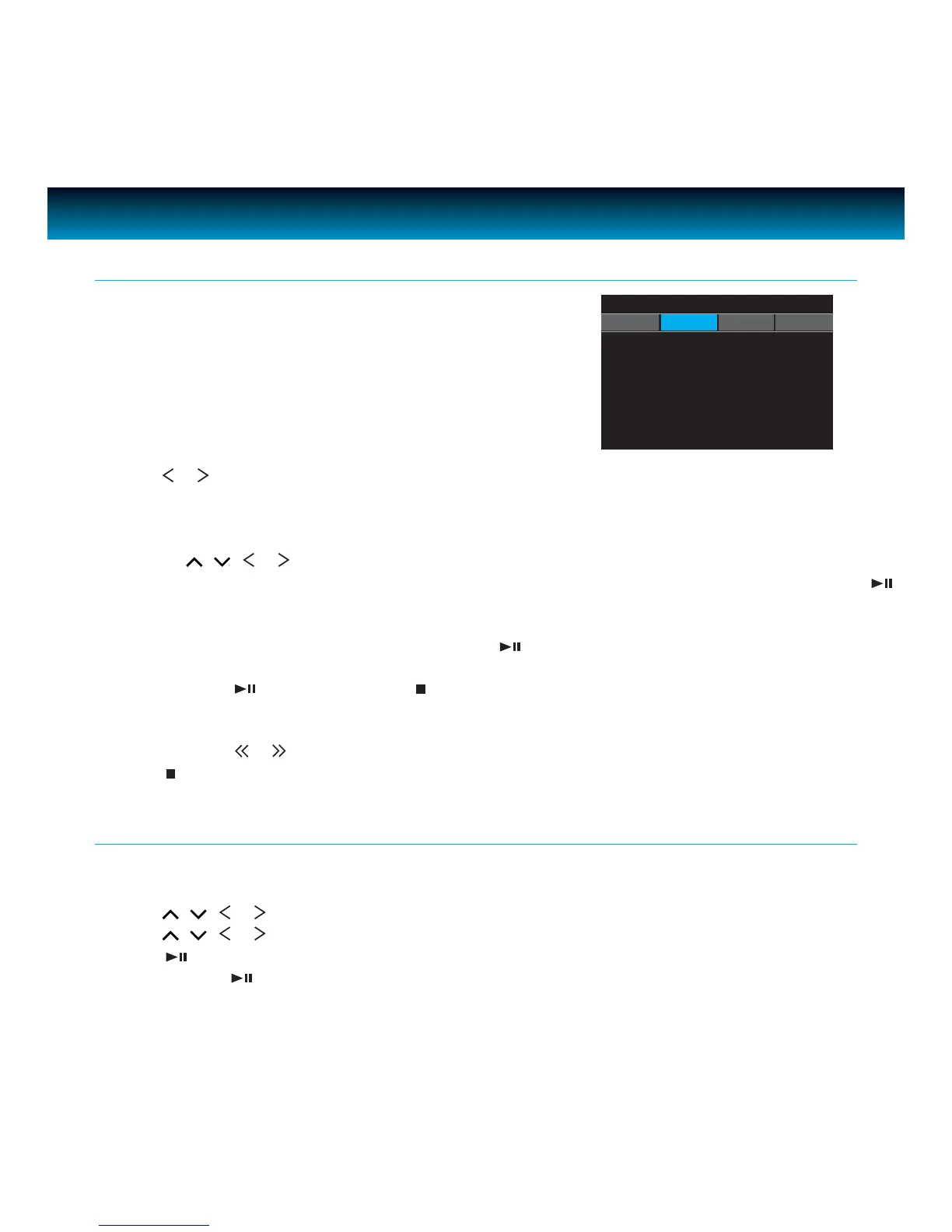
Playing a DVD / DivX / Audio CD / MP3 WMA CD
1. To power the unit on, slide the POWER OFF/ON
switch to ON. Unit screen will show the home screen
after several seconds.
2. Press
or to select DVD mode and press SELECT to enter. The unit will go into DVD mode.
3. Place the disc with the label side facing up into the disc compartment.
4. Push the cover down to close. The disc will start playback automatically.
a. If playing a DVD, the MENU options will appear on the LCD screen, depending on the DVD.
Press
, , or to select the PLAY option.
b. If playing Divx, a VCD or Audio CD, the video or audio track will play automatically. If not, press
to start playback.
c. For an MP3 disc, the disc reading time may be longer due to the large number of songs compiled
onto one disc. Select a specic song and press
to play.
5. Adjust the volume to a comfortable sound level by pressing VOLUME +/- buttons.
6. Press and hold
on the unit or press (STOP) once on remote control while playing a DVD and
the indication “PRE STOP” will appear on the screen. The player then memorizes the point where you
stopped. Press again to resume playing the movie from where it was stopped.
7. Press and hold
or
for three (3) seconds to skip to the next or previous chapter.
8. Press
(STOP) twice on remote control while playing a movie to stop playback.
Playing an MP3 CD
1. With a disc in the tray, the unit will automatically display the contents of the disc on the screen
while playing the rst MP3 le. The les will be played one by one.
2. Press
, , or to select MP3 or PICTURE le.
3. Press
, , or to view and select the desired audio les.
4. Press
to conrm.
5. You can press
to interrupt playback, and press again to resume playback.
iPod DVD SD USB
iLuv



 To Next Page