iM3 Self Service Manual - Dental Units
www.im3vet.com
Air Filter
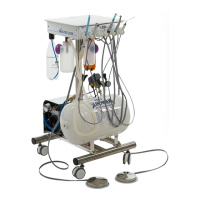
Located on the left side, behind the compressor, is a silver chrome
casting which houses to the lter the stops dust and air particles
blocking the motor. To open press in and turn clockwise. You will
immediately see a yellow lter which can be pulled out and replaced.
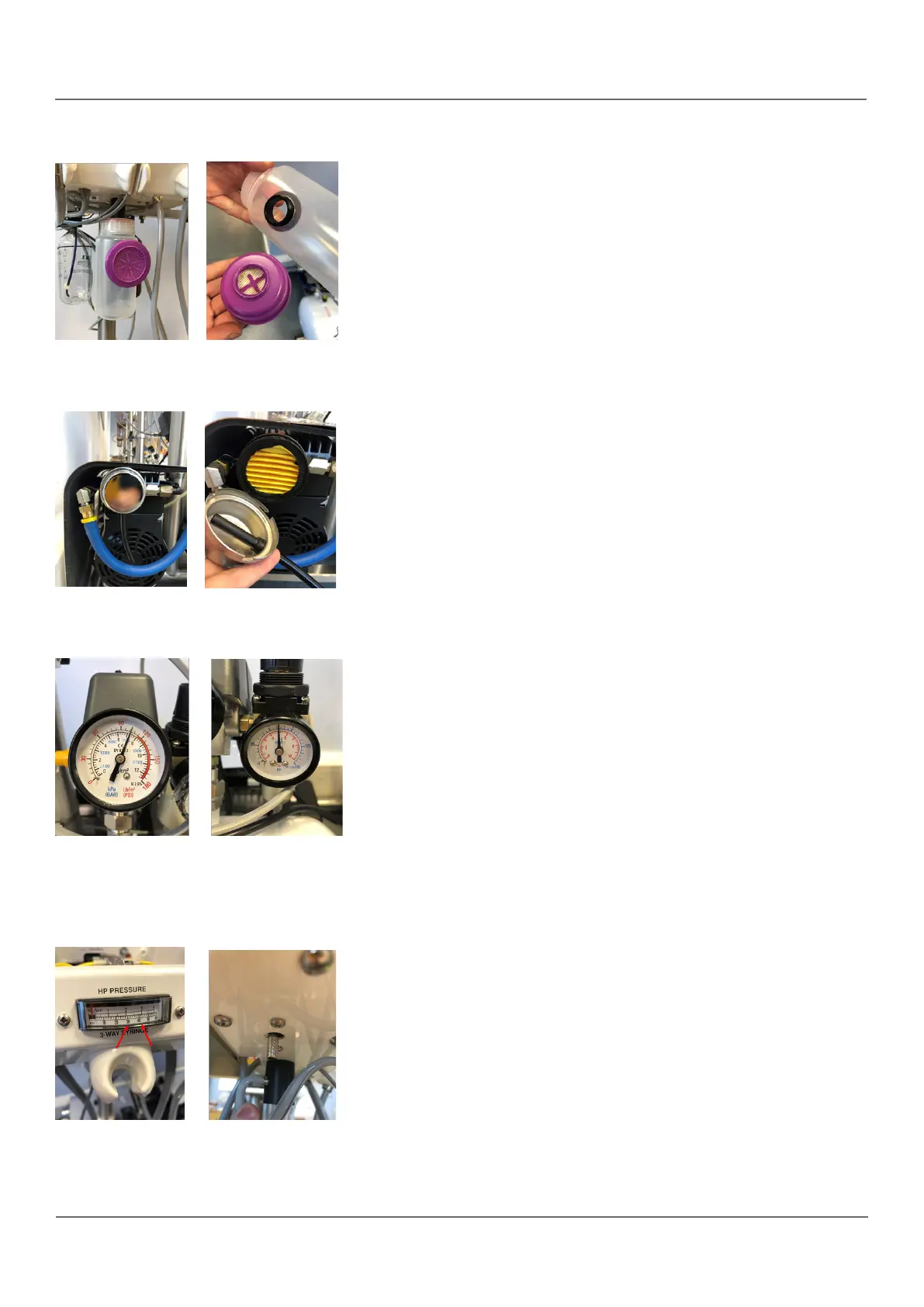
Exhaust Bottle
This is the clear bottle with a purple lter, you will nd two on Elite
and Pro2000 units. To replace the lter, unscrew the bottle from the
unit and then unscrew the purple lter from the bottle. Replace with
a new purple lter and re-attach to the dental unit.
Pressure Dials
The nal step of your annual service to check the values on your
two pressure dials, located on the right side of the unit above the
compressor. These dials read the air pressure inside the compressor,
one reading in BAR and the other in pounds per square inch. The
needle on the left dial should sit somewhere between 90-120psi
while the needle in the right dial should sit at 5 bar. If the pressure on
your dials is displaying a gure outside of this range, please contact
iM3 Support on +353 1 6911 277 for instruction.
Handpiece Speed
While not a part of your service, it is no harm to make sure your
handpieces are operating at the correct speed. Your high speed lines
should be working at 40psi (no lower than 35psi) while low speed
lines should be working at 35psi (no lower than 30psi). These can be
altered by adjusting the silver dials underneath the chassis on the left
and right side


 To Next Page