EasyManua.ls Logo

Image IMTL49105.0 - User Manual

Image IMTL49105.0
26 pages
Print Icon
To Next Page IconTo Next Page
Loading...
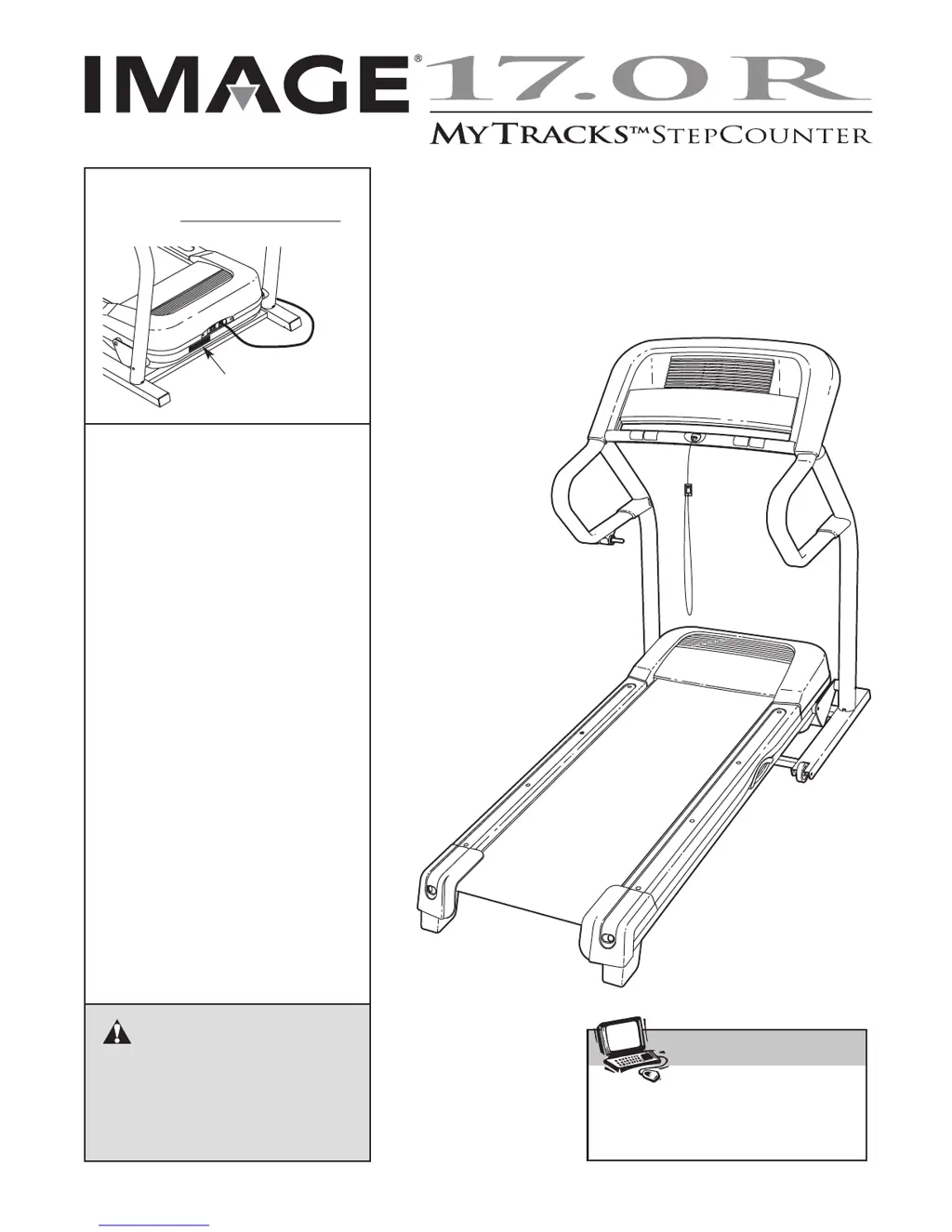
Model No. IMTL49105.0
S
erial No.
CAUTION
Read all precautions and instruc-
tions in this manual before using
this equipment. Save this manual
for future reference.
Serial Number
Decal
USER'S MANUAL
QUESTIONS?
As a manufacturer, we are com-
mitted to providing complete
customer satisfaction. If you
have questions, or if parts are
damaged or missing, PLEASE
CONTACT OUR CUSTOMER
SERVICE DEPARTMENT
DIRECTLY.
CALL TOLL-FREE:
1-800-753-4645
Mon.–Fri., 6 a.m.–6 p.m. MST
ON THE WEB:
www.iconservice.com
Visit our website at
www.imagefitness.com
new products, prizes,
fitness tips, and much more!
V

Questions and Answers

  • X
    xsharpJul 31, 2025
    How to fix Image Treadmill if the power does not turn on?
    • F
      Fred Castillo MDJul 31, 2025
      If your Image Treadmill's power does not turn on, consider these steps: 1. Ensure the power cord is plugged into a surge suppressor, and the surge suppressor is plugged into a properly grounded outlet. Use only a single-outlet surge suppressor that meets the specifications. Important: The treadmill is not compatible with GFCI-equipped outlets. 2. After plugging in the power cord, verify that the key is inserted into the console. 3. Check the reset/off circuit breaker located on the treadmill frame near the power cord. If the switch protrudes, the circuit breaker has tripped. To reset it, wait five minutes, then press the switch back in.
  • D
    Debbie BridgesAug 9, 2025
    What to do if Image Treadmill power turns off during use?
    • T
      Tony PayneAug 9, 2025
      If your Image Treadmill turns off during use, there are a few things you can try: * Check the circuit breaker located on the treadmill frame near the power cord. If the circuit breaker has tripped, wait for five minutes and then press the switch back in. * Ensure that the power cord is properly plugged in. If it is, unplug it, wait for five minutes, and then plug it back in. * Remove the key from the console and then reinsert it.
  • C
    Carl HernandezAug 19, 2025
    How to fix Image Treadmill walking belt that is off-center or slips?
    • J
      jeffersonmichelleAug 19, 2025
      If the walking belt of your Image Treadmill is off-center or slips when walked on, here's what you should do: If the walking belt is off-center, first remove the key and unplug the power cord. If the walking belt has shifted to the left, use the allen wrench to turn the left rear roller bolt clockwise 1/2 of a turn; if the walking belt has shifted to the right, turn the left bolt counterclockwise 1/2 of a turn. If the walking belt slips when walked on, first remove the key and unplug the power cord. Using the allen wrench, turn both rear roller bolts clockwise, 1/4 of a turn. When the walking belt is correctly tightened, you should be able to lift each edge of the walking belt 2 to 3 inches off the walking platform.

Summary

IMPORTANT PRECAUTIONS

Safety and Usage Guidelines

Essential safety rules, operational advice, and warnings for treadmill use.

Critical Safety Warnings

High-risk warnings for electrical shock, injury, and proper usage.

ASSEMBLY

Tools, Hardware, and Setup

Lists required tools, hardware, and initial setup for assembly.

Step-by-Step Assembly Instructions

Detailed instructions for assembling the treadmill frame, uprights, console, and related components.

OPERATION AND ADJUSTMENT

Walking Belt and Power Cord Setup

Care for the pre-lubricated belt and safe power cord connection with surge protectors.

CONSOLE OVERVIEW AND OPERATION

HOW TO USE THE MANUAL MODE

WORKOUT PROGRAMS AND FEATURES

HOW TO USE A TRAINER PROGRAM

HOW TO FOLD AND MOVE THE TREADMILL

HOW TO LOWER THE TREADMILL FOR USE

TROUBLESHOOTING GUIDE

Power, Display, and Belt Issues

Solutions for common problems like no power, console errors, or belt slowing/slipping.

HOW TO ORDER REPLACEMENT PARTS

LIMITED WARRANTY

Image IMTL49105.0 Specifications

General IconGeneral
BrandImage
ModelIMTL49105.0
CategoryTreadmill
LanguageEnglish

Related product manuals