100%.
3. Unplug the cable when no charge is required.
NOTE:
▪ When using product for the first time, please make sure that the jump
starter is fully charged.
▪ Please use the provided USB C cable to charge the product.
▪ Wall adapter is not included in the package.
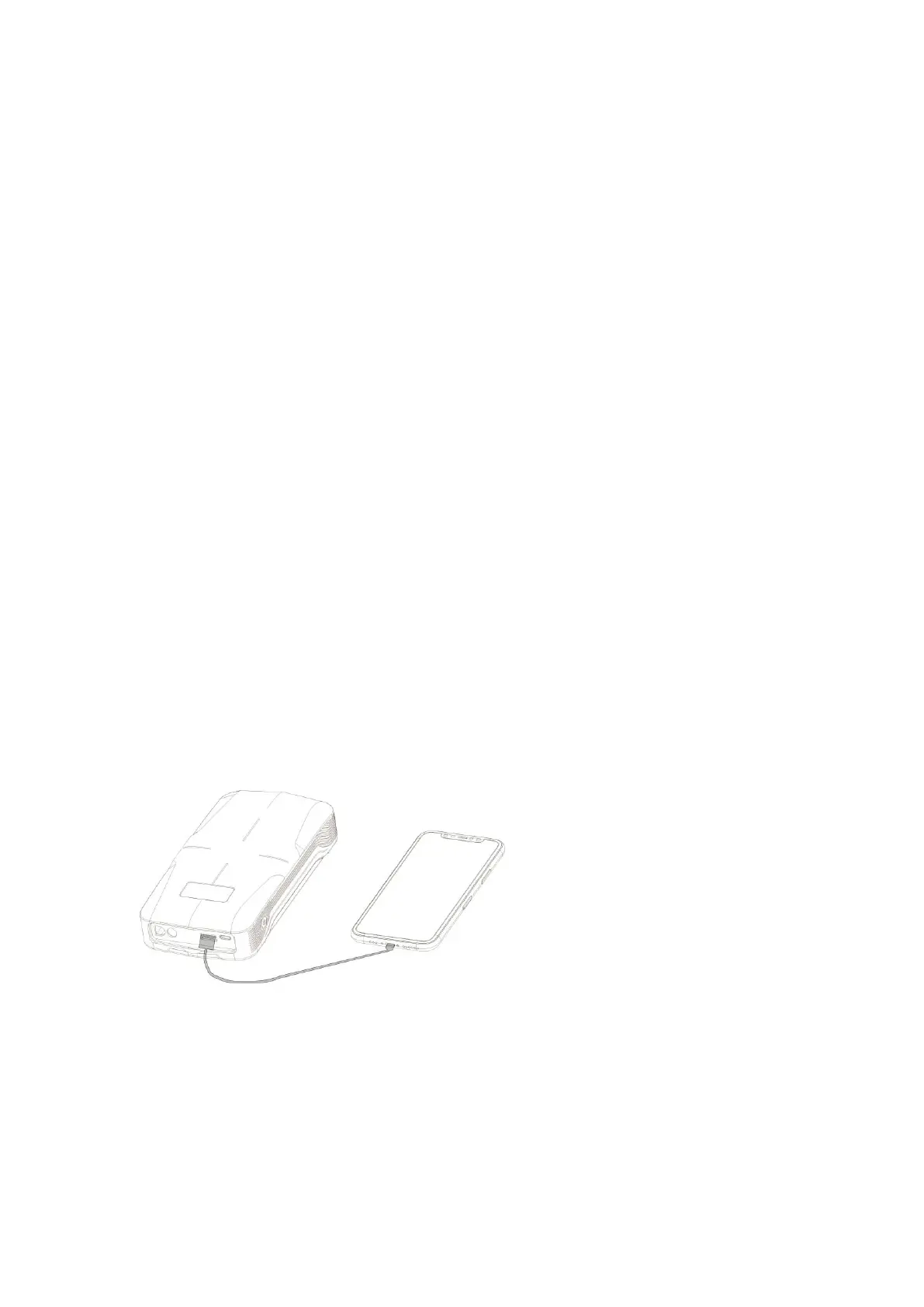
Charging your USB devices:
1. Connect the product and your iPhone, smart phones or other
electronic devices via USB cable.
2. Press the ON/OFF button to turn on the product.
3. Unplug the cable when no charge is required.
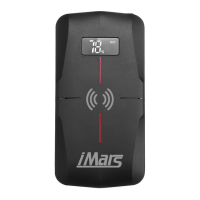
Wireless Charging your device:
Press the power button once to enable wireless charging function. Place
the device on top of wireless charging icon to start. You may need to


 To Next Page