14 MISTRAL M60, M90, M135 AND TC60
CHANGING A FLUORESCENT STRIP LIGHT FITTING M60, M90, M90SD &
M135
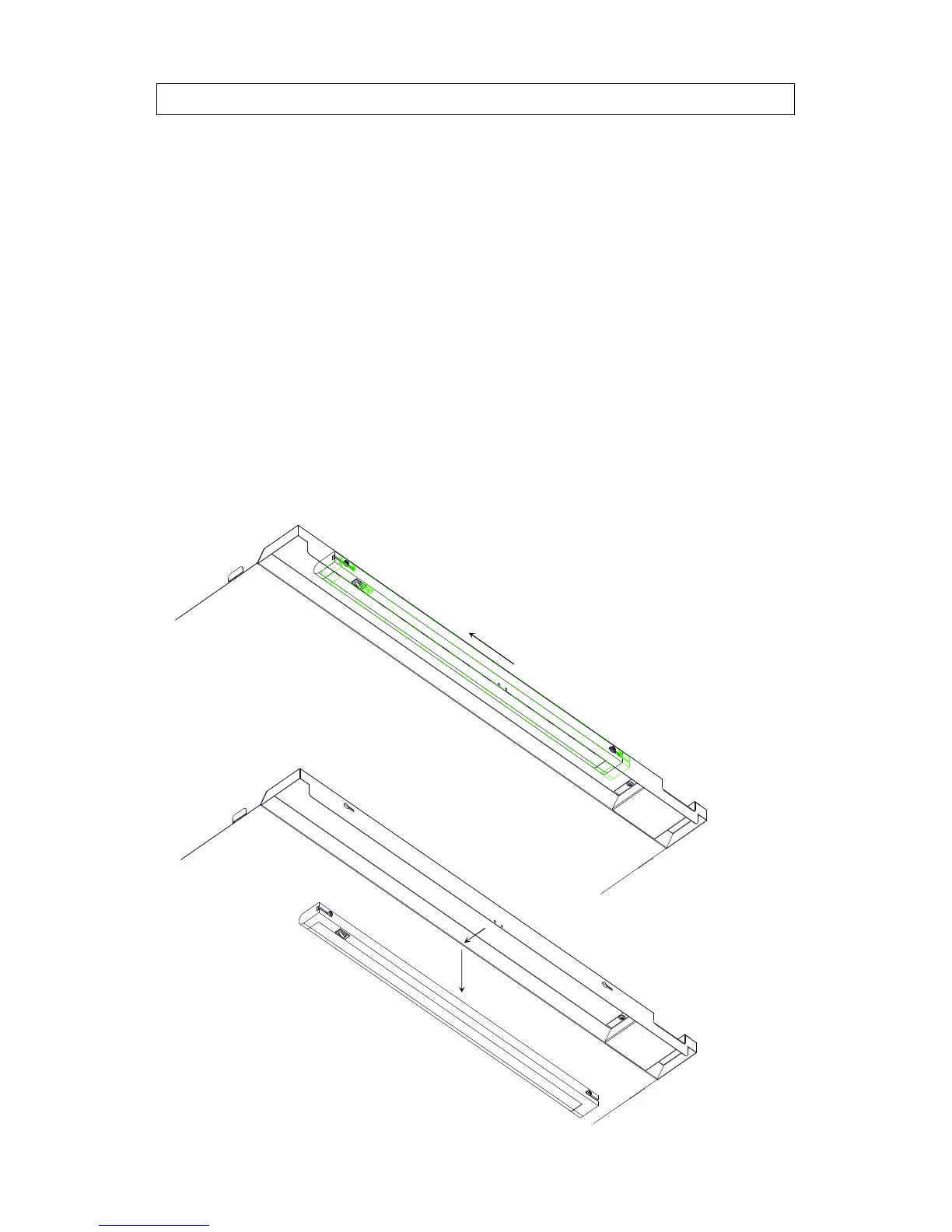
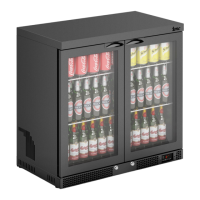
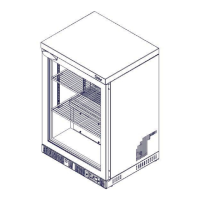
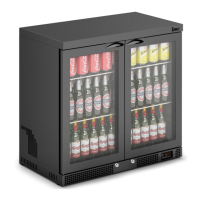
The M60, M90, M90SD & M135 cabinet interior is illuminated by a fluorescent
fitting located at the front of the top inner panel. The switch is located at the left-
hand end of the strip light fitting.
To change the fitting:
· Open the front cabinet door(s)
· Ensure the mains power to the unit has been turned off
· Slide the fitting to the left
· Pull the fitting out from the key-hole slots
· Remove power cable from the right-hand end of the fitting
· Connect the new fitting to the power cable and insert into the key-hole slots
· Slide the fitting to the right until it stops
· Re-connect the mains power and ensure the light illuminates by means of
the switch.


 To Next Page