EN
11
• DO NOT place the appliance in water or other liquids.
• NEVER direct the flexible hose, pipe or any other accessory
towards eyes or ears and do not put them in your mouth when they
are connected to the vacuum cleaner.
• Always use the appliance with a motor protection filter to prevent
damaging the motor and the vacuum cleaner.
• The power cable must always be fully unwound to prevent hazardous
overheating.
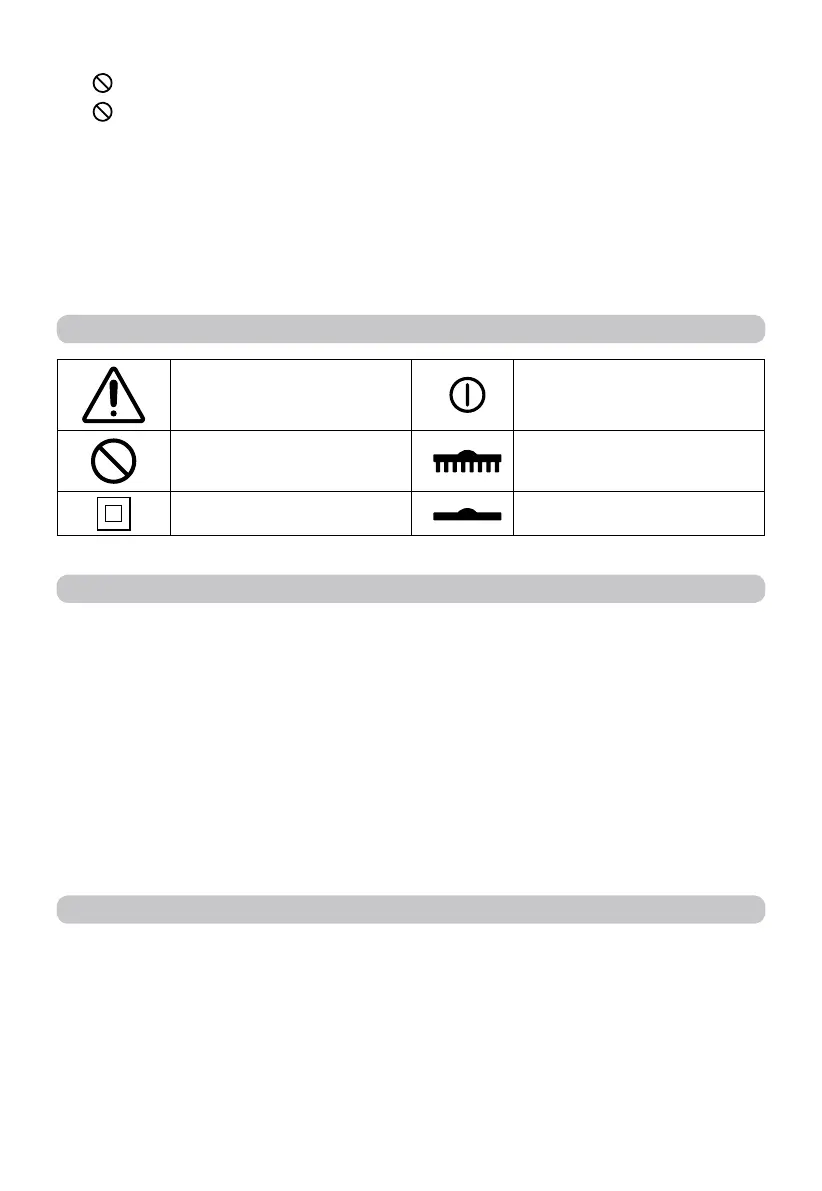
SYMBOLS
Warning ON/OFF switch
Prohibited
Hard floors
Protection class II Carpets
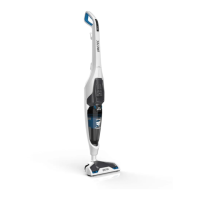
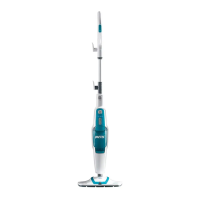
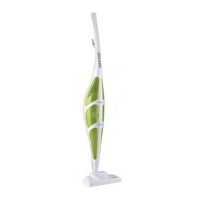
DESCRIPTION OF THE APPLIANCE AND ATTACHMENTS
(fig. A)
Refer to figure [A] in the illustrative guide to verify your appliance equipment. All the figures
are on the cover pages of these instructions for use
1. Handle
2. Manual cable winding system
2A Turning upper cable hook
2B Fixed lower cable hook
3. Fastening screw
4. Power cable with plug
5. Combination carpet/floor brush
5A Brush toggle switch
6. Suction inlet
7. Dust collection system
7A Dust compartment
7B Filter grille
7C Filter
7D MAX level
8. Dust compartment lever
9. Technical Data
10. ON/OFF switch
ASSEMBLY
• Loosen the fastening screws (3) of the handle (1) and remove it.
• Attach the handle (1) to the body of the appliance, taking care to assemble it correctly.
• Insert the fastening screw (3) and tighten it clockwise [Fig. B1].
• Select the combination brush (5) and connect the attachment (6).


 To Next Page