5
How to Use
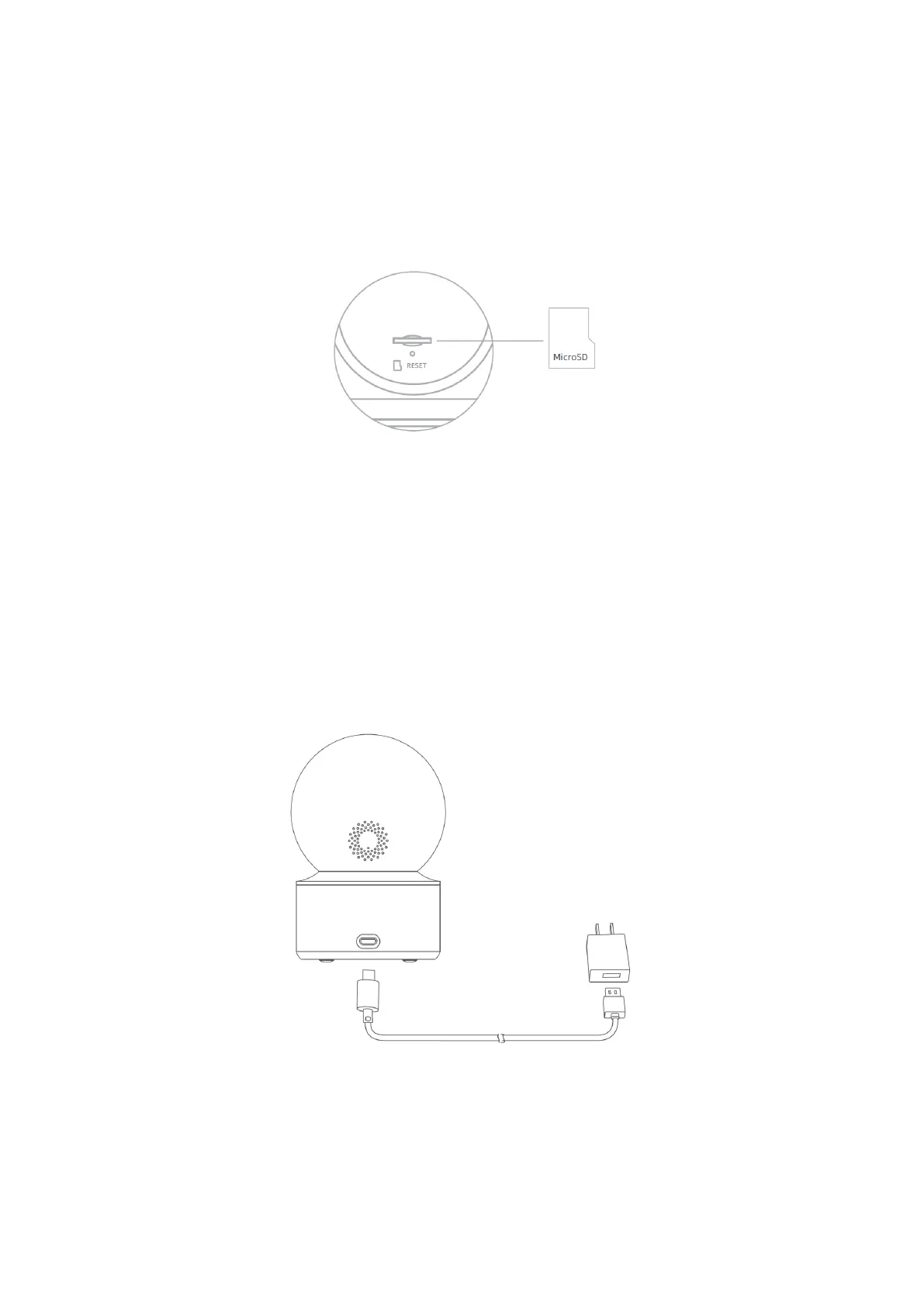
Installing a MicroSD card
Make sure the camera is unplugged. Adjust the lens upward until the microSD slot is
revealed, then insert the microSD card into the slot (the side with contact points must be
facing down).
Note: Unplug the camera when installing or removing the microSD card. Please use a
microSD card from a qualified brand (the camera supports a microSD card with a
maximum capacity of 64 GB and the FAT32 format only, and a microSD card with a
capacity of 64 GB and above may need to be formatted to the FAT32 format before use
via “Settings > Manage Storage” on the camera’s plug-in page in the Xiaomi Home app).
It is recommended that the microSD card has a read/write speed of no less than
U1/Class 10.
Turning the Device On
IMILAB C22 will automatically activate once the power cable is inserted into the Micro-
USB charging port.
If the indicator light is flashing orange, that means the device is activated successfully. If
else, please reset the device. Once the IMILAB C22 is turned on, please do not attempt to
rotate its head by force. If the camera position is incorrect, adjustments can be made
through the app.



 To Next Page