20
Service Menu
Menu item Description Range
Customised
value
Password protected menu dedicated to a qualied technician
Language Menu
Menu item Description Range Default
Customised
value
Language Denes the Zone Remote Panel operation language
ITA - ENG
- POL
ITA
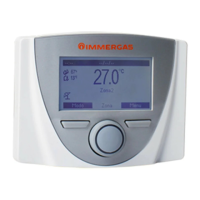
e Zone Remote Panel is set up for possible programming of
several operation parameters. By modifying these parameters
as described below, the system can be adapted according to
specic needs.
Access the “Assistenza” (Service) menu by pressing the right
“Menu” button and turning the main switch until selecting
the desired menu. Press the main switch to conrm the
selection.


 To Next Page