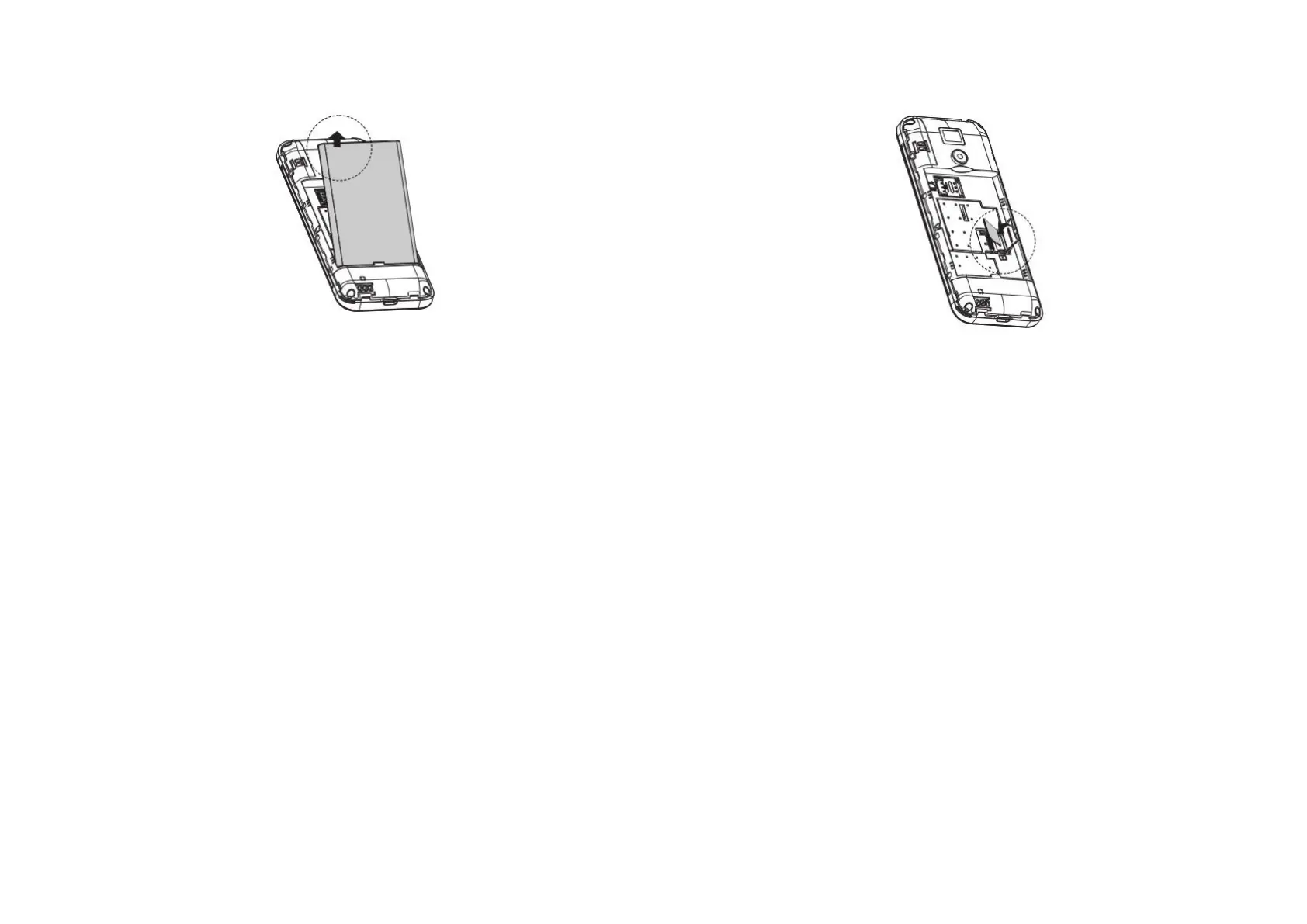
1.4 Installing and charging the battery
After your SIM card has been installed, you can now insert
your battery. When you first get your new phone you’ll need
to charge the battery.
Connect the adaptor to the charger jack.
Ensure the adaptor is inserted with the correct orientation.
Do not force the connector into the charger jack.
Connect the charger to a standard AC wall outlet.
Disconnect the charger when the battery is fully charged.
1.5 Insert the the microSD card into the slot with its gold contacts
facing down.
Camera and photo gallery application can only be initiated
after the installation of the SD card. Therefore it is
recommended you keep the microSD card installed and do
not remove or replace it randomly.
1.6 Turning your phone on / off
Press and hold down the End / Power on key for
approximately 5 seconds until the phone powers up.
In the main menu press and hold down the End / Power key
for approximately 5 seconds until the phone powers down.
1.7 Home Screen
Status bar: This is at the top of the screen and displays
notifications and status icons such as phone status,
battery strength and time of day.



 To Next Page