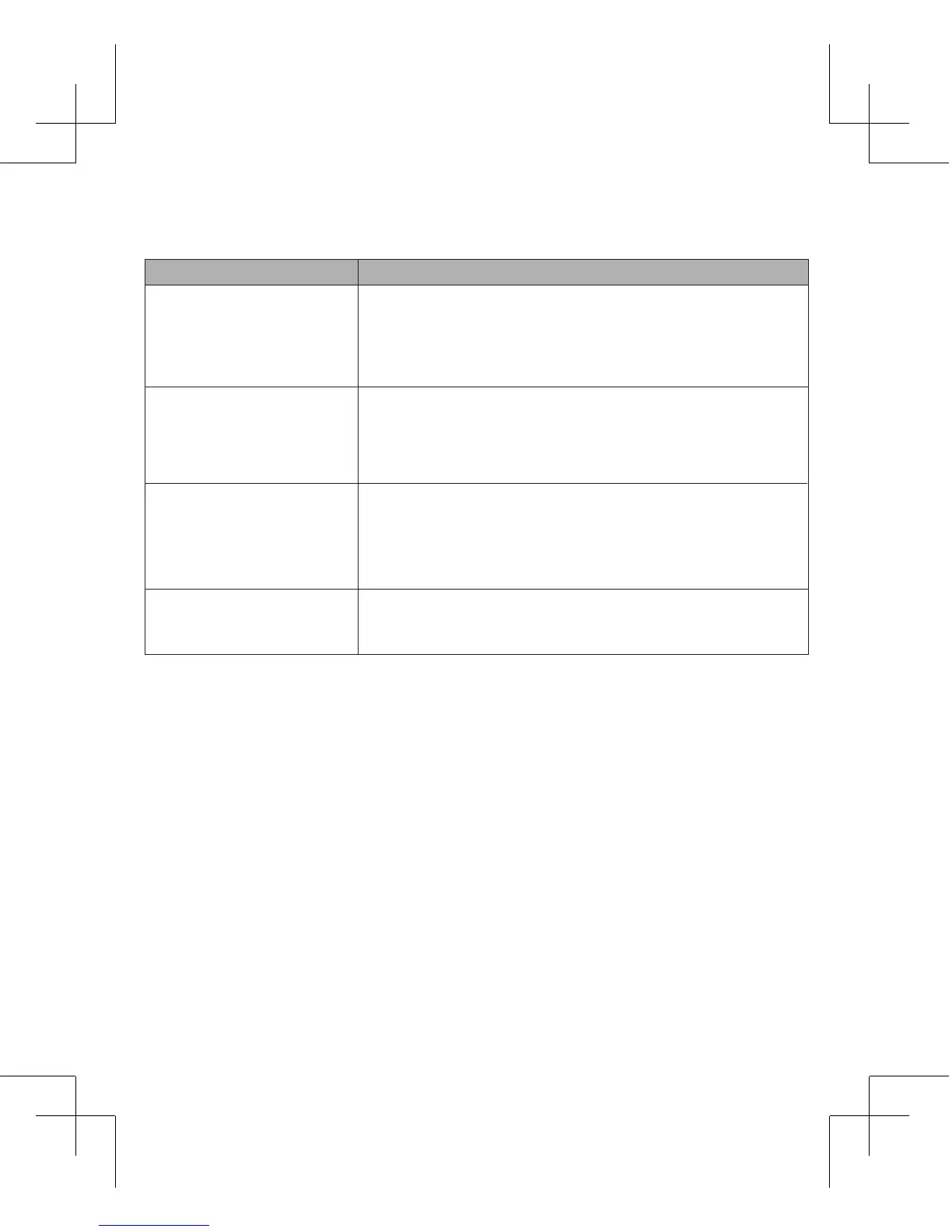
Baery indicator
Steady green: the baery is fully charged.
Green slow flashing: the baery is charging.
Steady red: ultra low voltage baery, may be automacally
shut down.
Light off: sleep, shut down.
Network Mode indicator
Steady green: 4G network
Steady blue: 3G or 2G network
Steady red: SIM card error, PIN code verificaon failure or no signal.
Light off: shutdown, standby, sleep.
Steady green: WIFI working.
Green flashing: WPS secure connecon is being built.
Green slow flashing for five seconds: WPS secure connecon
successfully established.
Light off: WIFI off, shut down,sleep.
WiFi indicator
SMS indicator
Steady green: new SMS.
Green slow flashing: box is full
Light off: sleep, shut down.
4. Activate Client:
5. Interface Introduction:
Open the browser, and then enter the IP address hp://192.168.0.1 device interface will open
in your browser.
Client default username / password: admin
Client Home page informaon is divided into two parts:
1. Status informaon display and advanced sengs area.
2. Informaon Tips Quick Setup area.


 To Next Page