4
Power Key
Press and hold to turn on or off Aeroplane mode,
enable Silent mode or Silent mode with Vibration,
disable Silent mode, Power off or Restart the phone.
Press to wake up or turn off the display.
Home Key
Touch to return to the home screen.
Touch and hold to open the Google Assistant for
Android (Go edition).
Menu Key
Touch to see recently used applications.
Back Key
Touch to go back to the previous screen.
Volume Keys
Press or hold to turn the volume up or down.
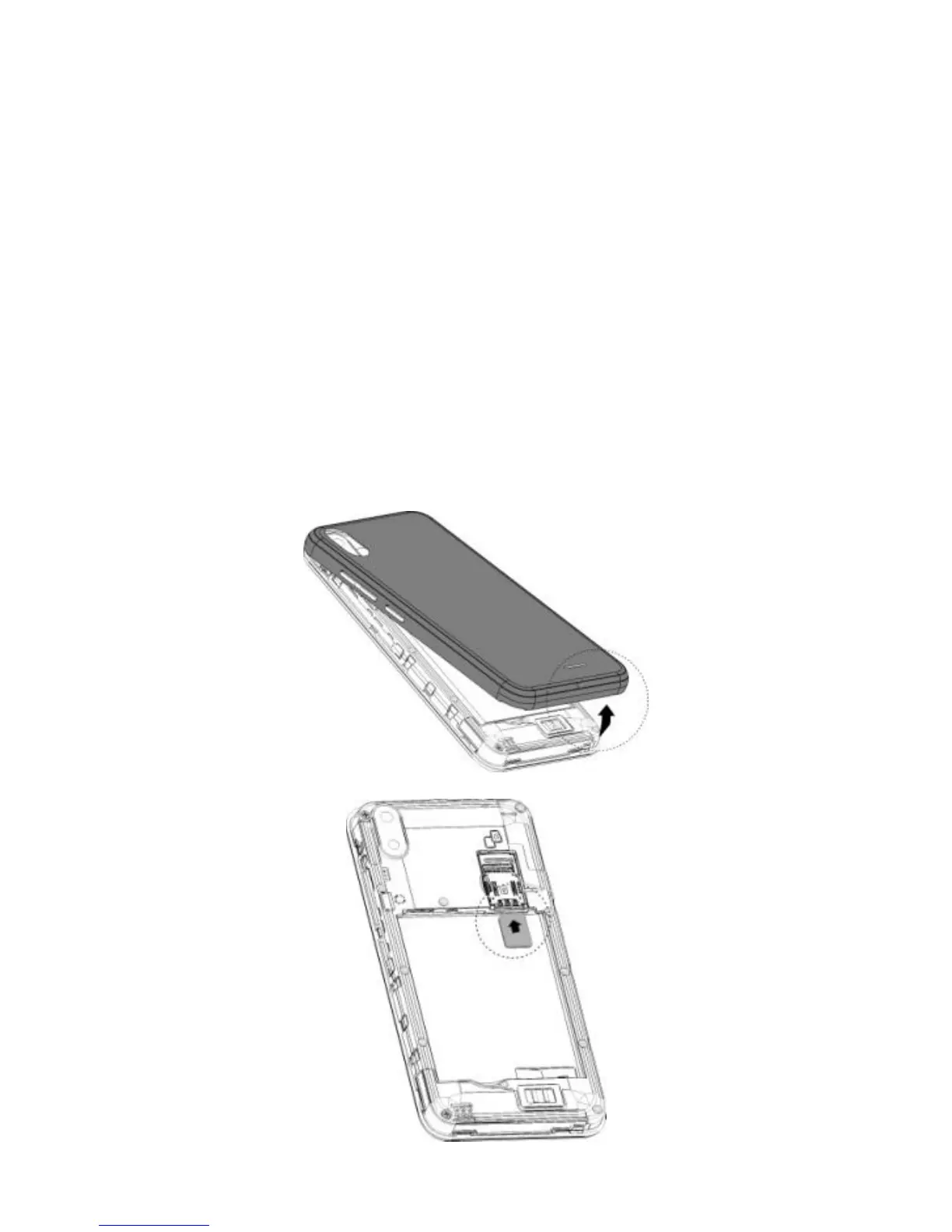
Before Getting Started
Removing the Back Cover
Installing the SIM Card



 To Next Page