6
Basic Settings
Your service provider may default some device settings,
so you may not be able to change these settings.
Network & Internet
Wi-Fi
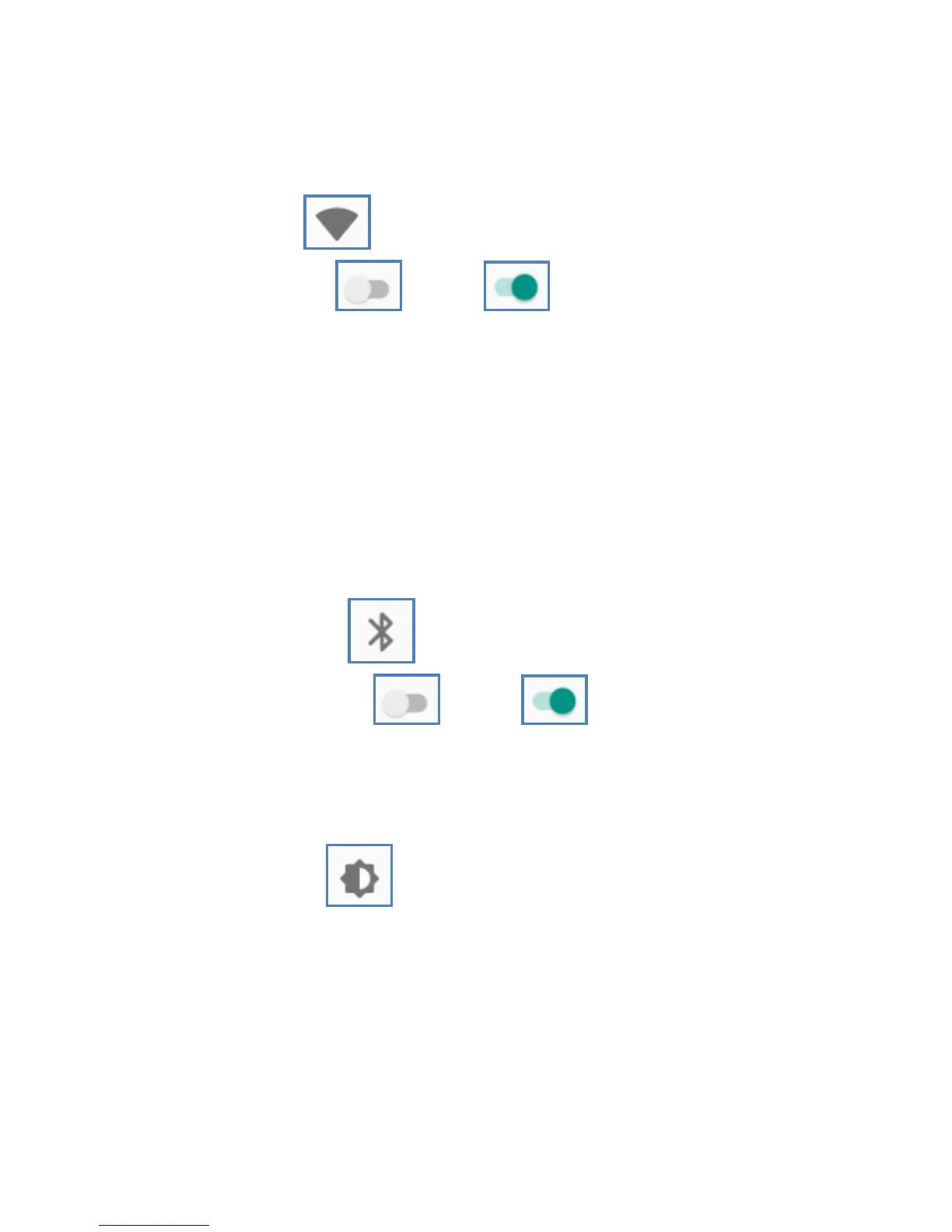
Swipe Wi-Fi to right to switch on WiFi.
Once it’s on, it will search for available WiFi networks
automatically. Check whether the network has a password.
Network without a password can be used directly, for
others you will need to enter the password to use.
Note:Wi-Fi will switch off automatically when the phone
is changed to flight mode, even if WiFi is on. Switch on
WiFi again when the device is in flight mode, then the WiFi
will work normally.
Connected devices
Bluetooth
Swipe Bluetooth to right to switch on
Bluetooth. The phone will search automatically for nearby
bluetooth devices.
Display
Display
a. Brightness level: Adjust the screen brightness
b. Wallpaper: The gallery and built-in wallpaper can be set
as standby and lock screen wallpaper.
c. Sleep: Adjust the time allowed before the screen goes
to sleep after inactivity.
d. Advanced
1. Auto-rotate screen: On, Off.
2. Font size: Set the font size of the system
3. Display size: Set the display size of the screen.



 To Next Page