Troubleshooting
Q: The device cannot boot up or work as expected?
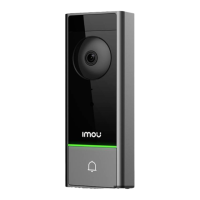
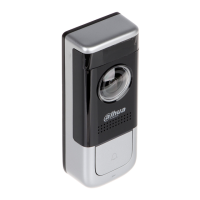
Your doorbell is compatible with 16 V-24 V AC or 12 V-24 V DC. Make sure the power source is proper.
Make sure the breaker is turned back on after installation is completed.
11
Q: The device is oine?
If the LED is ashing red, check whether the router can connect to the Internet. If the network is connected,
restart the device. If the device is still oine, reset it.
Q: How to update the rmware?
You can update the rmware through the "Imou Life" app in Devices Settings > Firmware. It shows a red dot
when an update is available. The doorbell will restart automatically when it nishes update.
Q: Failed to receive push notications after an alarm is triggered?
Ensure Notications are both enabled in the app and in your mobile device’s settings.
Ensure activity zones are properly drawn for the areas that you want your doorbell to monitor.
Set Motion Sensitivity appropriately. It determines the amounts of motion required to trigger an alarm.


 To Next Page