Need help?
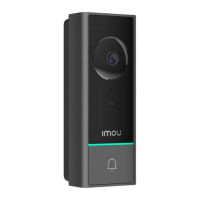
Do you have a question about the IMOU DB60 and is the answer not in the manual?
Guidelines for safe battery usage and disposal to prevent hazards like explosion or fire.
Steps for connecting the doorbell wires to the power port using terminal screws.
Tips for resolving issues during the initial device setup process, including Wi-Fi range and LED status.
Troubleshooting steps for when the doorbell becomes unresponsive or disconnected from the network.
Solutions for power-related issues preventing the doorbell from starting or functioning correctly.
Procedure for performing a factory reset on the doorbell to resolve persistent issues.
 General
| Type | Video Doorbell |
|---|---|
| Field of View | 164° |
| Two-Way Audio | Yes |
| Motion Detection | Yes |
| PIR Detection | Yes |
| Power Source | Battery Powered |
| Weather Resistance | IP65 |
| Video Compression | H.265 |
| Battery Life | Up to 6 months |
| Night Vision | Yes, up to 5m (16ft) |
| Connectivity | Wi-Fi |
| Storage | Cloud Storage, MicroSD card |

 To Next Page