EasyManua.ls Logo

IMOU DB11 - User Manual

IMOU DB11
12 pages
Print Icon
To Next Page IconTo Next Page
Loading...
Doorbell Wired - DB11
Quick Start Guide
www.imoulife.com

Questions and Answers

Summary

Welcome

Packing List

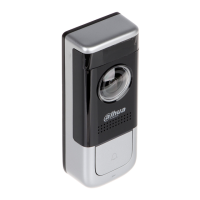
Product Overview

Front Panel Overview

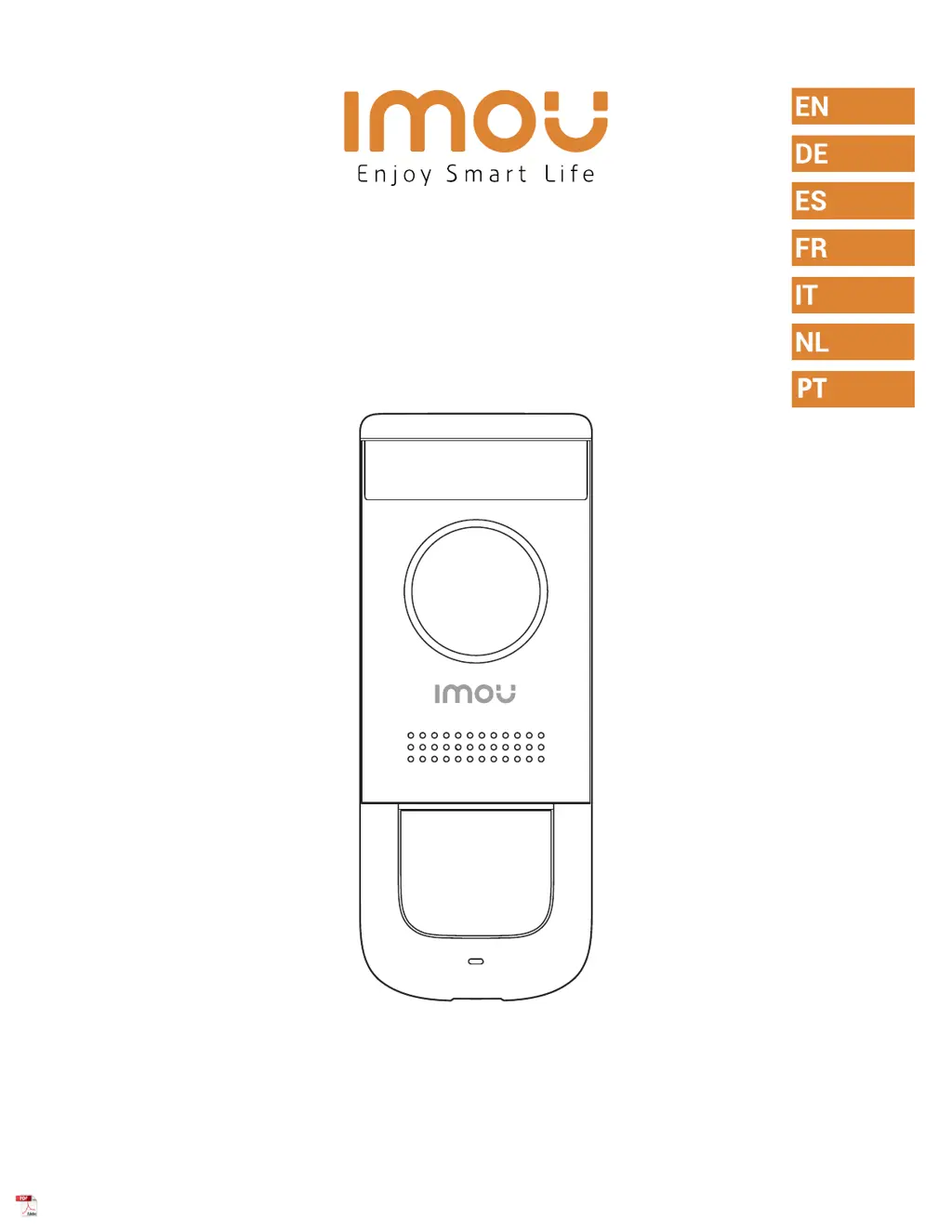
Details of the front panel components including camera, PIR detection, and call button.

Rear Panel Overview

Details of the rear panel components like Micro-SD card slot, reset button, and power port.

Preparation and Mounting

Preparation Steps

Essential steps before setup: turn off power, remove existing doorbell, and disconnect wiring.

Secure the Mounting Bracket

Instructions on marking holes and securing the mounting bracket using appropriate accessories.

Installation on Brick

Guidance for installing the doorbell mounting bracket on a brick surface.

Installation on a Metal Door

Guidance for installing the doorbell mounting bracket on a metal door surface.

Add Doorbell to Imou Life App

Wiring the Doorbell

Troubleshooting

Safety Tips and Warnings

IMOU DB11 Specifications

General IconGeneral
BrandIMOU
ModelDB11
CategoryAccessories
LanguageEnglish

Related product manuals