EasyManua.ls Logo

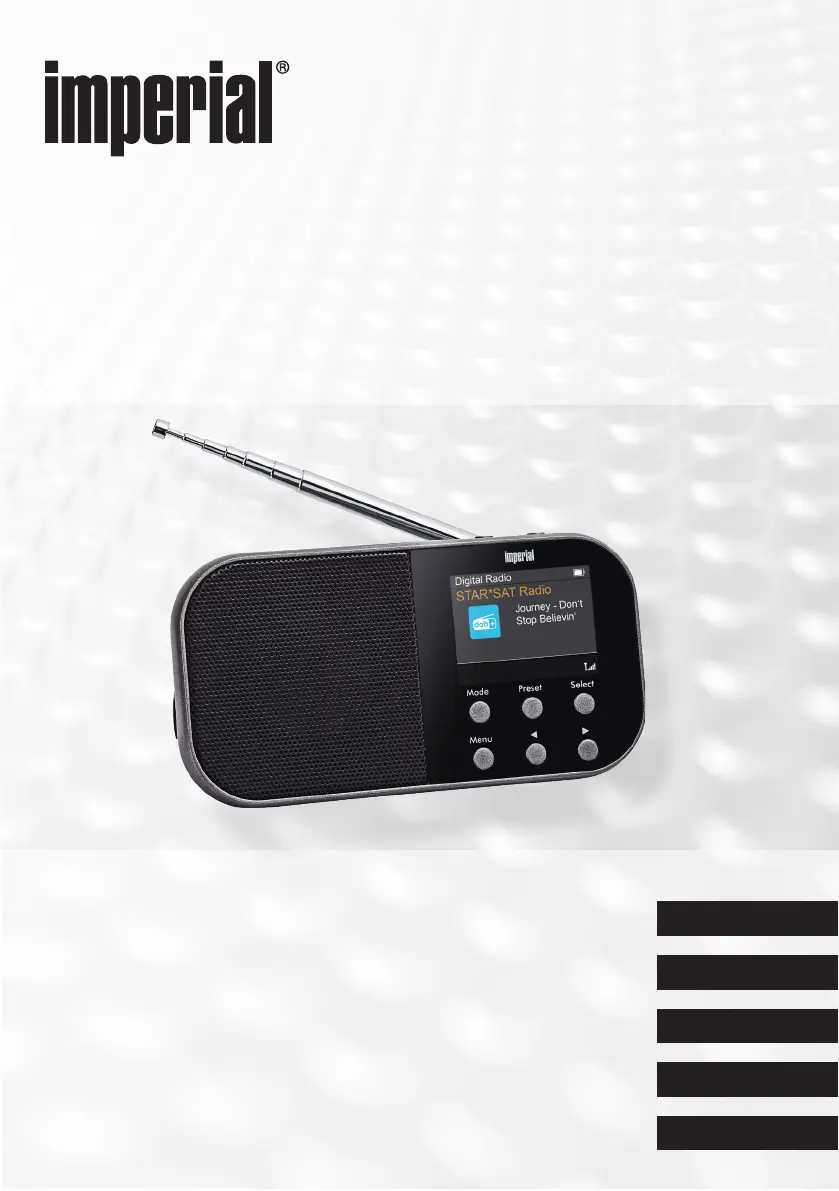
Imperial DABMAN 15 - User Manual

Imperial DABMAN 15
136 pages
Go to English
Print Icon
To Next Page IconTo Next Page
Loading...
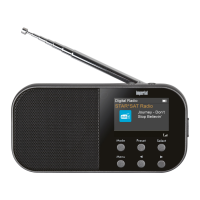
DABMAN 15
Portables DAB+ & FM Radio
Bedienungsanleitung
English
Francais
Italiano
Nederlands
Deutsch

Table of Contents

Questions and Answers

  • A
    anthony31Aug 10, 2025
    What to do if my Imperial Radio has no display and does not respond?
    • K
      Kelly WilliamsAug 10, 2025
      If your Imperial Radio has no display and doesn't respond when operated, the battery might be exhausted. Connect the radio to a power source using the included power adapter to initiate charging.
  • M
    Melissa RobinsonAug 21, 2025
    What to do if DAB+ or FM reception is disturbed on my Imperial DABMAN 15 Radio?
    • J
      Jimmy ThomasAug 21, 2025
      If you are experiencing disturbed DAB+ or FM reception on your Imperial Radio, here are a few things you can try: * Perform a scan to check for available channels. * Change the radio's location, ideally closer to a window, and then perform a scan again. Fully extend the antenna. Ensure that there are no nearby electronic devices that could be causing electromagnetic interference.
  • L
    Lori GravesAug 30, 2025
    Why is there no sound coming from my Imperial DABMAN 15?
    • A
      Andrea BrooksAug 30, 2025
      If your Imperial Radio has no sound but all other functions are working, make sure that headphones are not plugged into the device. Also, check the volume setting.

Imperial DABMAN 15 Specifications

General IconGeneral
DAB+Yes
FM radioYes
Internet radioNo
USB portYes
Headphone jack3.5mm
Alarm functionYes
Remote controlNo
Power SupplyMains/Battery

Related product manuals