EasyManua.ls Logo

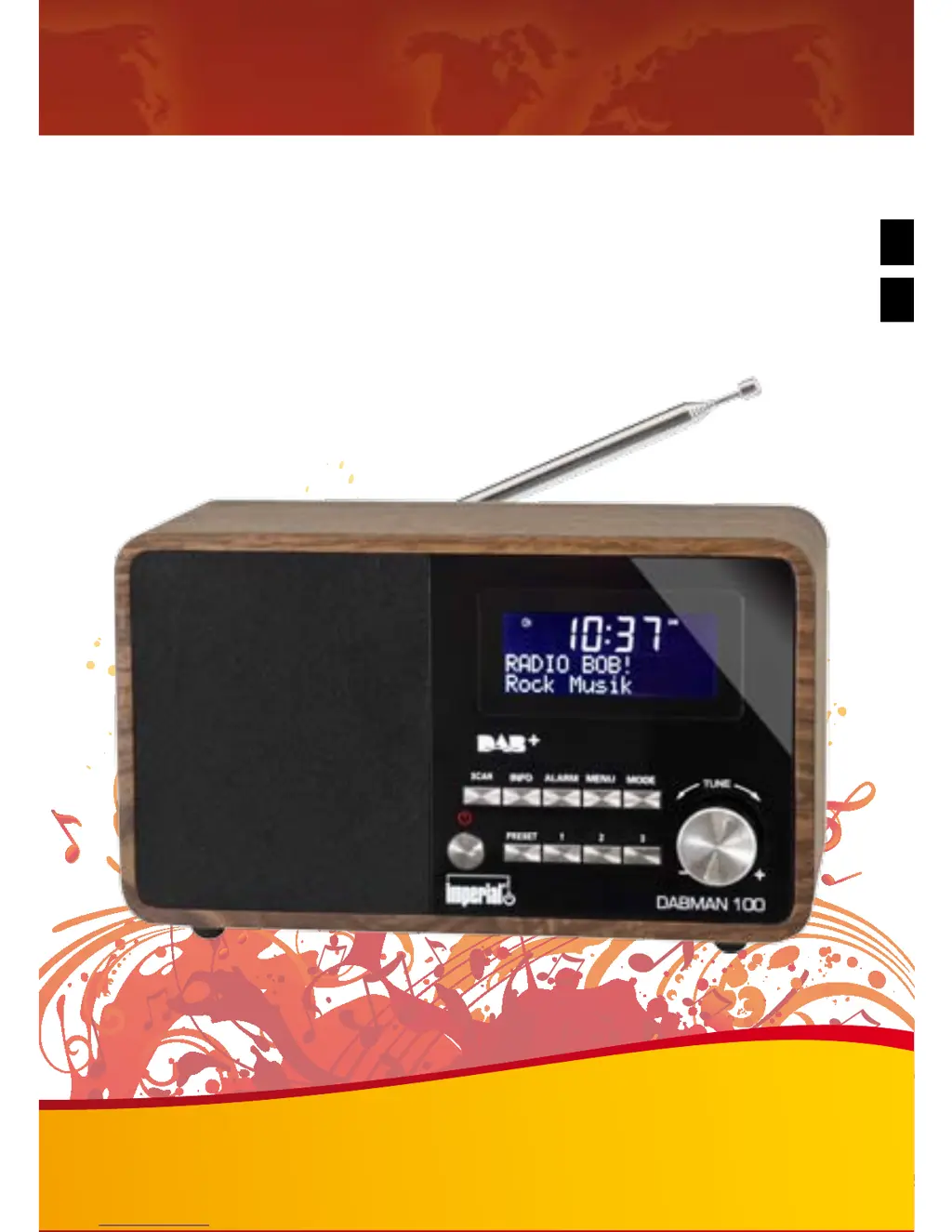
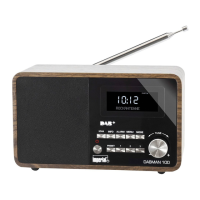
Imperial DABMAN 100 - User Manual

Imperial DABMAN 100
56 pages
Go to English
Print Icon
To Next Page IconTo Next Page
Loading...
Bedienungsanleitung
IMPERIAL DABMAN 100
IMPERIAL DABMAN 100
DAB+ & FM Radio
E
D

Questions and Answers

  • C
    Chad SheppardJul 27, 2025
    How to fix an Imperial DABMAN 100 Radio that shows no message on display?
    • W
      woodsjoshuaJul 27, 2025
      If your Imperial Radio shows no message on the display and doesn't respond to commands, the power supply might not be connected. Establish a mains connection using the adapter cable supplied.
  • R
    Raymond HowardAug 4, 2025
    What to do if my Imperial DABMAN 100 Radio remote control is not working?
    • D
      Dale LeonardAug 4, 2025
      If your Imperial Radio isn't working via remote control, first, make sure to remove the plastic safety strip from the battery compartment. If that doesn't solve it, the battery might be dead. Replace it with a 3V button type, ensuring the plus pole points toward the back of the remote.
  • J
    James ConnerAug 10, 2025
    Why is my Imperial Radio DAB+ reception faulty?
    • S
      Sean GilbertAug 10, 2025
      If you're experiencing faulty DAB+ reception on your Imperial Radio, there might be a few reasons. First, try performing a scan to find available stations. Also, ensure the FM antenna is fully extended. If the issue persists, the station might not be accurately set; try changing the radio's location, possibly closer to a window, and then perform a new scan.
  • J
    Jennifer HowardAug 18, 2025
    Why is the FM reception on my Imperial DABMAN 100 faulty?
    • T
      Theresa BonillaAug 18, 2025
      If you're getting faulty FM reception on your Imperial Radio, make sure the FM antenna is fully extended. You can also manually tune the frequency. If the reception is still poor, try changing the location of the radio.

Summary

Safety Notices

Basic Safety Instructions

Essential guidelines for safe operation, installation, and handling of the radio to prevent hazards.

Installation

Operation

Operating modes

Details on selecting between DAB and FM radio modes.

Operation

General operating procedures for the radio.

System

Overview of system settings including sleep, alarm, equalizer, time, and language.

Sleep

How to set the automatic radio turn-off timer.

Wake-up alarm

Instructions for programming one or two wake-up timers with source and duration.

Wake-up alarm and Snooze key

Using the alarm and snooze functions in FM mode.

Works default setting

Resetting the radio to factory default settings, potentially losing saved stations.

DAB

Station selection

How to navigate, select, and save favorite DAB stations.

Scanning for stations

Performing a scan to find available DAB stations.

FM

Technical Data

Troubleshooting Guide

CE Marking

Imperial DABMAN 100 Specifications

General IconGeneral
Radio typePortable
Tuner typeDigital
PLL synthesizer-
Supported radio bandsDAB, DAB+, FM
RMS rated power7 W
Number of built-in speakers1
Subwoofer driver diameter (imperial)3 \
Display resolution128 x 64 pixels
Headphone connectivity3.5 mm
Product colorBlack
Input voltage240 V
Power sourceDC
AC input frequency50 Hz
Power consumption (standby)1 W
Power consumption (typical)8 W
Operating temperature (T-T)5 - 40 °C
Operating relative humidity (H-H)5 - 90 %
Package depth170 mm
Package width310 mm
Package height155 mm
Package weight1570 g
Weight and Dimensions IconWeight and Dimensions
Depth129 mm
Width224 mm
Height100 mm
Weight1180 g

Related product manuals