E
7. OPERATION
The radio is set to automatic time setting at the factory. When the
radio is connected to the Internet via a network, the time and date
will be synchronized automatically. In this case it is not necessary to
set the time.
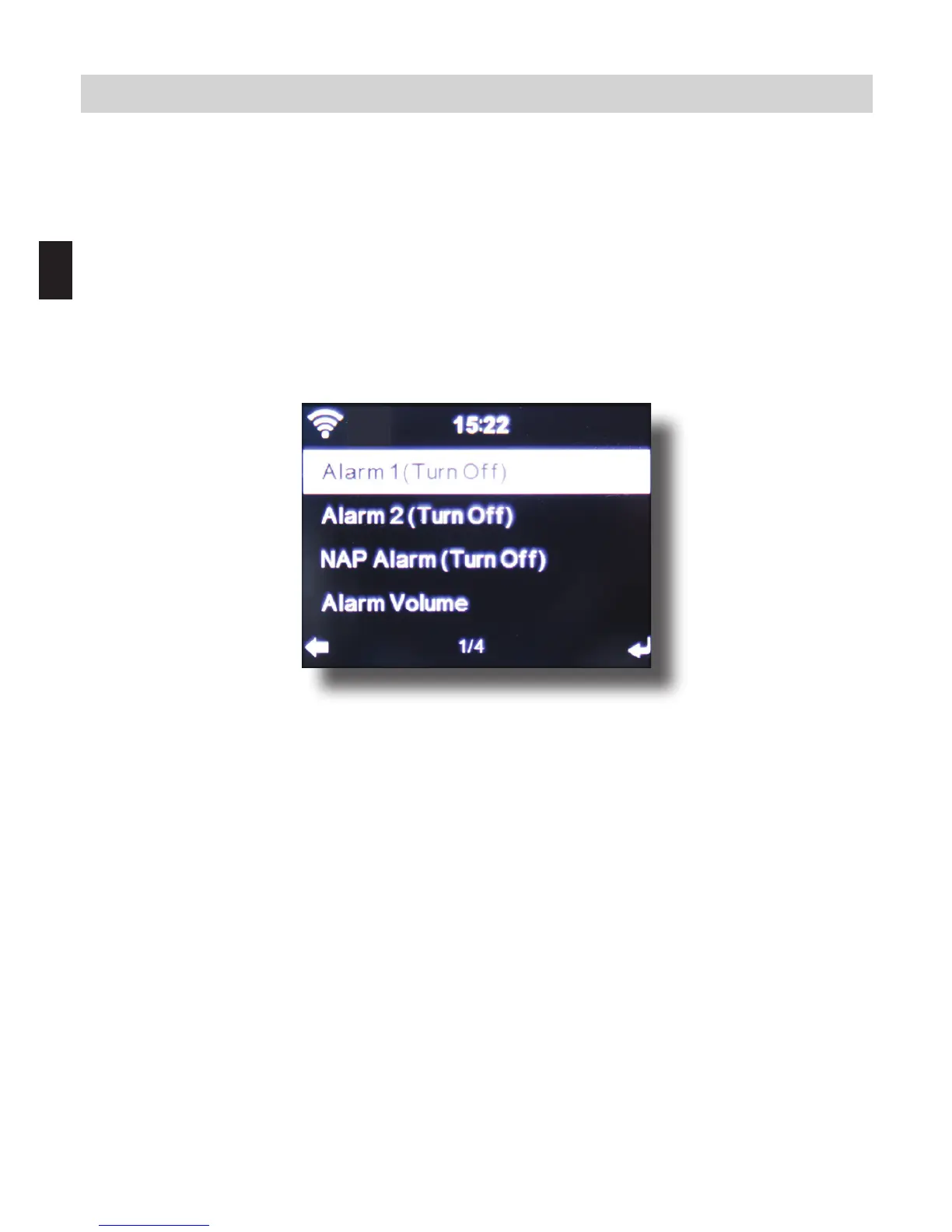
7.1.5. Alarm
The radio can be used as a radio alarm.
This menu item allows you to set 2 wake-up times if desired. Also,
you can set whether the alarm is to go o at the set time with a note,
a melody or an Internet radio station. When you have entered the
alarm time, activate the radio alarm function in the menu.
To stop the alarm, press the Enter key on the remote control, or
key 7 on the radio.
To do this, go to Settings and select the menu item Mode, and
switch the operating mode to radio alarm here. (Chapter 7.1.1.)



 To Next Page