EasyManua.ls Logo

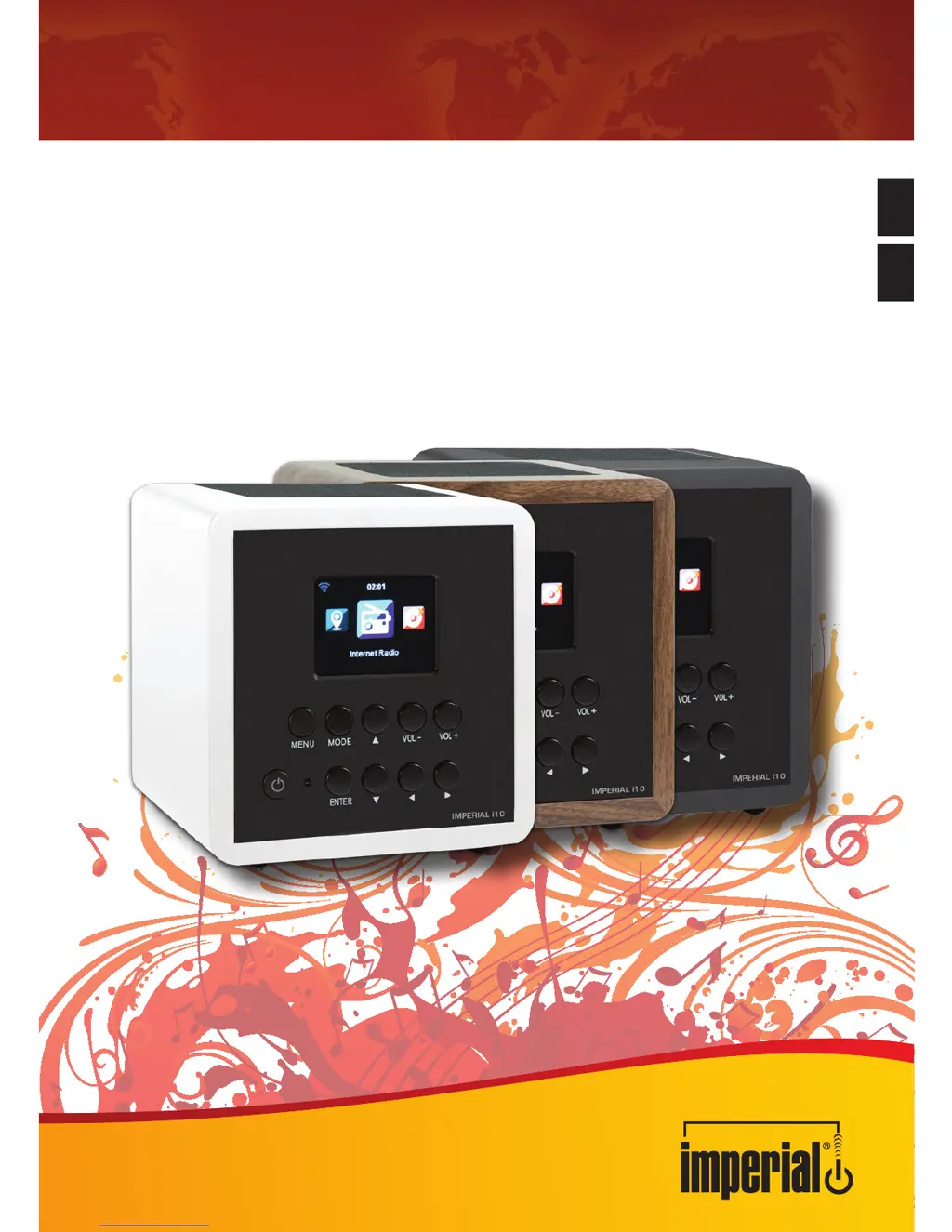
Imperial i10 - User Manual

Imperial i10
80 pages
Go to English
Print Icon
To Next Page IconTo Next Page
Loading...
Mit IMPERIAL
®
heute schon Zukunft hören
Bedienungsanleitung
Operating Manual
IMPERIAL
i10
D
E

Questions and Answers

Summary

Safety Notices and Precautions

Basic Safety Notices

General operating safety precautions for the radio, covering power and environmental hazards.

Explanation of Safety Notices

Defines safety notice categories like DANGER and NOTE for user awareness and risk mitigation.

Items Supplied with the Imperial i10

Remote Control Functions

Power, Alarm, and Menu Access

Covers power, alarm, menu access, and navigation controls on the remote.

Station Selection and Playback Controls

Details buttons for local radio, menu navigation, and playback control.

Installation Guide

Power Supply Connection

Instructions for connecting the mains adapter to power the radio unit.

Network Connection Setup

Details on connecting the radio to a network via its integrated WiFi receiver.

Operating the Imperial i10

General Configuration Settings

Section for making individual settings and adjustments for the radio.

Network Settings

Allows configuration of network settings and connection parameters.

Alarm Functionality

Allows setting up to two wake-up times with various alarm sound options.

Software Update Procedure

Instructions for updating the radio's operating software via USB.

Internet Radio Management

Covers selecting and managing Internet radio stations, favorites, and local stations.

Media Center Playback

Enables playback of music from PCs, smartphones, or USB devices via UPnP or DLNA.

Air Music Control App Usage

Troubleshooting Common Issues

Features and Technical Data

Service and Support Information

Imperial i10 Specifications

General IconGeneral
BrandImperial
Modeli10
CategoryRadio
LanguageEnglish

Related product manuals