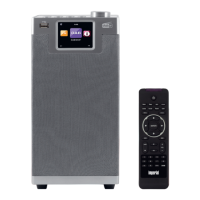
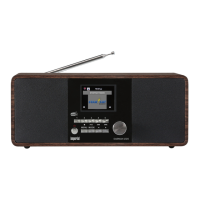
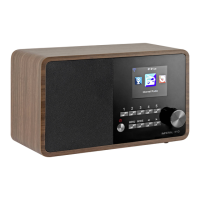
5554 IMPERIAL DABMAN i110
E
Press the Menu key on the radio or on the remote control to go to the
main menu of the radio. The radio will automatically close the menu
after 10 seconds, and will revert to the radio mode previously selec-
ted. A display in the bottom right-hand corner will show the seconds,
counting backwards.
You can navigate around the menu using the ▼▲ ►◄ keys.
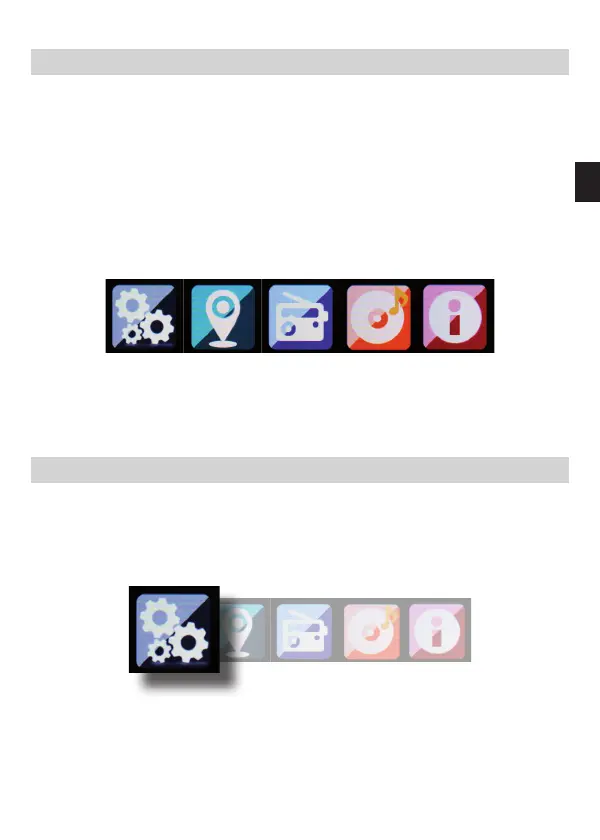
The main menu of the radio consists of the following menu items:
You can select the individual menu items using the ▸ ◂ arrow keys.
Conrm your selection by pressing the ENTER key.
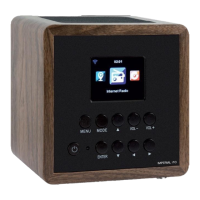
7.1. Configuration
Press the Menu key on the radio or on the remote control, and use
the ►◄ keys to select Settings.
You can make individual settings for the radio under this menu item.
7. OPERATION
Dabmann i110_version2_DE_EN.indd 55 16.12.15 08:56







 To Next Page