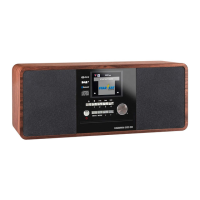
5756 IMPERIAL DABMAN i110
E
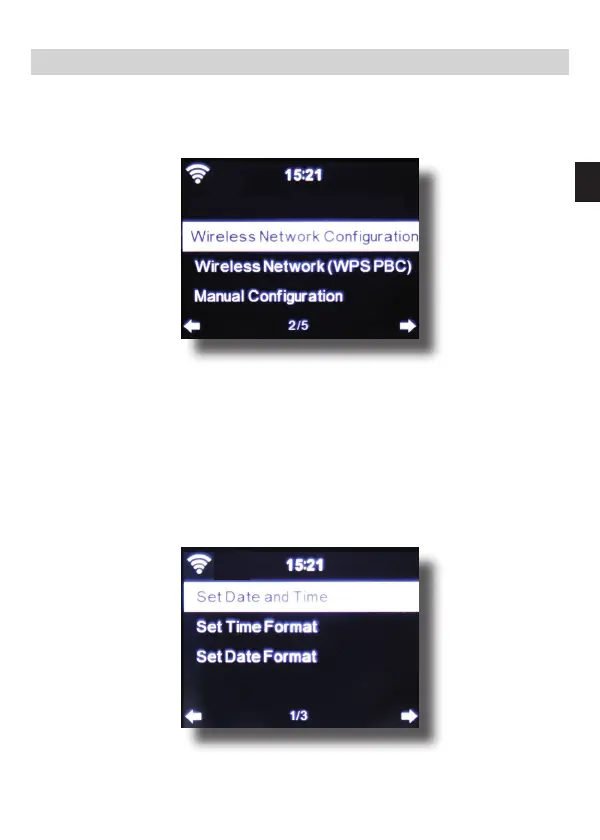
7.1.3. Network
Here you can congure your network settings.
Use the ▼▲ keys to select the desired menu item, and conrm by
pressing ENTER.
The network will be congures as described under Point 6.4.
7.1.4. Date & Time
Here you can set the time and date.
7. OPERATION
Dabmann i110_version2_DE_EN.indd 57 16.12.15 08:56





 To Next Page