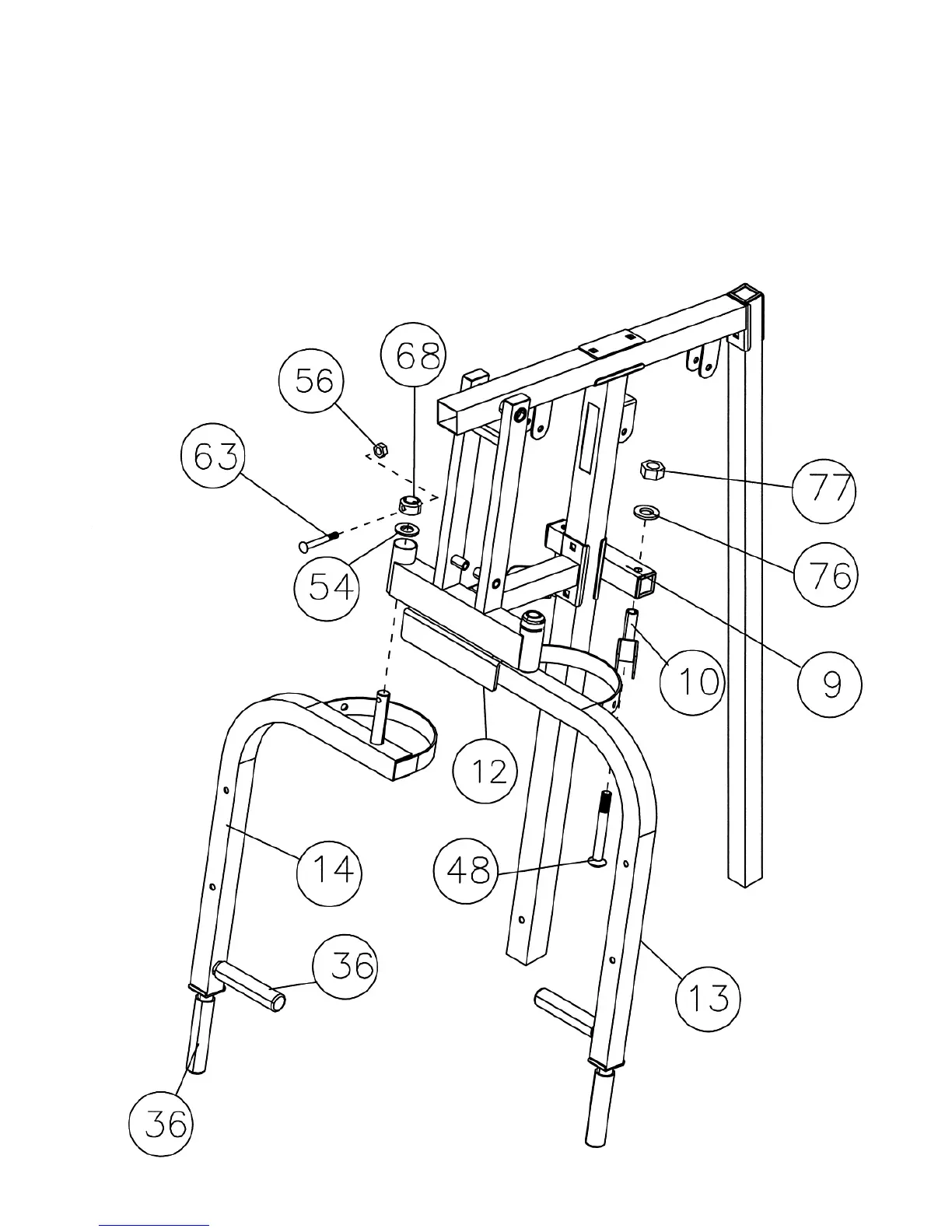
STEP 7 (See Diagram 7)
A.) Insert the axle on the Right Butterfly Arm (#14) through the right pivot hole on the Front
Press Base (#12). Slide a ∅ 1 ½” Washer (#54) and Ring Cap (#68) onto the axle.
Secure the Cap with a M6 x 1 ¼” Allen Bolt (#63) and M6 Aircraft Nut (#56). Repeat the
same procedure to install the Left Butterfly Arm (#13).
B.) Attach a Butterfly Pulley Bracket (#10) to the left hole on the Butterfly Pulley Frame (#9).
Secure it with one M12 x 5 ¾” Hex Bolt (#48), ∅ 1” Washer (#76), and M12 Aircraft Nut
(#77). Repeat the same procedure to install the other side.
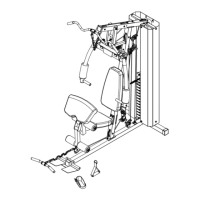
DIAGRAM 7
12




 To Next Page