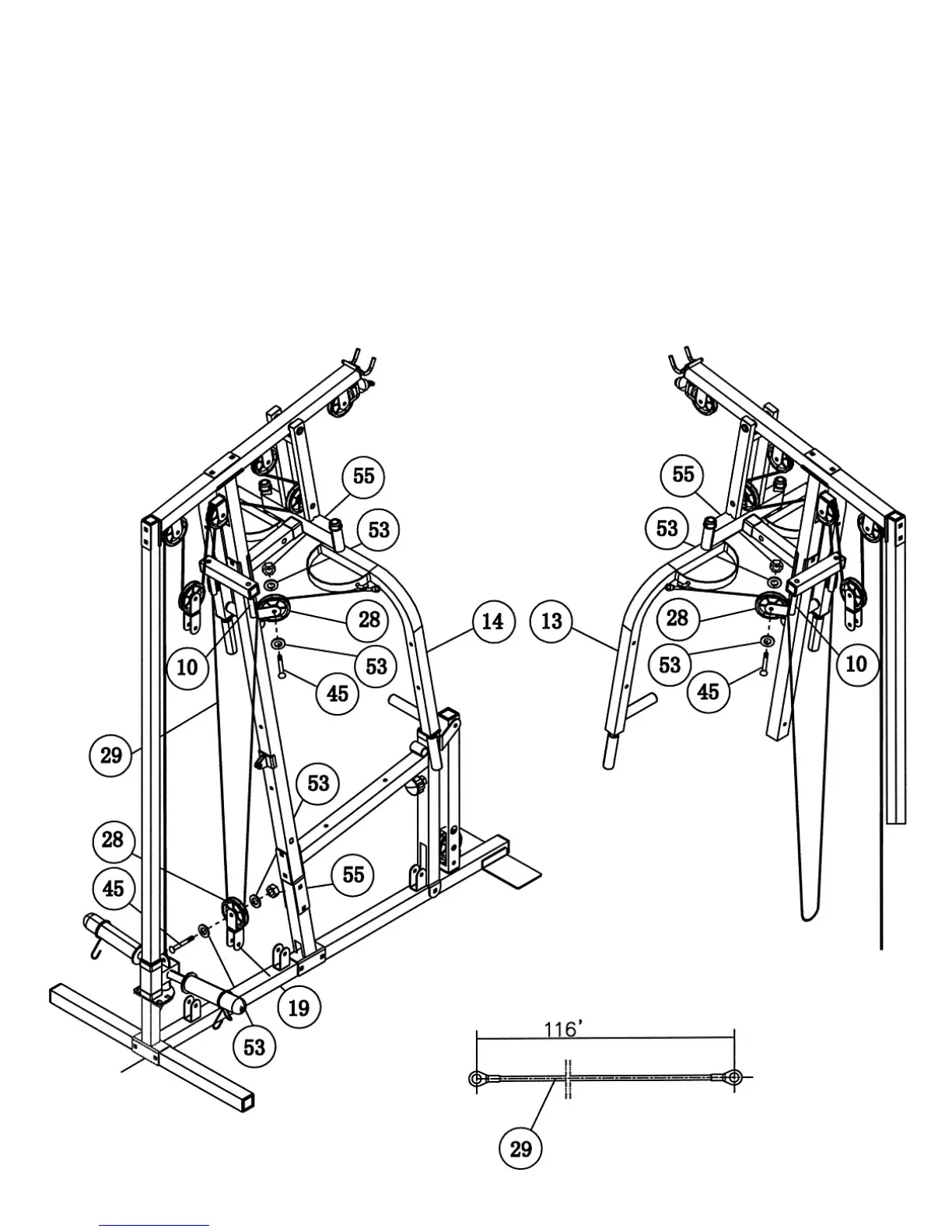
STEP 9 (See Cable Loop Diagram & Diagram 9)
A.) Attach one end of the 116” Butterfly Cable (#29) to the Hook on the Right Butterfly Arm
(#14). Pull the Cable to the Butterfly Pulley Bracket (#10). Attach a Pulley (#28) to the
Bracket. Secure it with one M10 x 1 ¾” Allen Bolt (#45), two ∅ ¾” Washers (#53), and one
M10 Aircraft Nut (#55).
B.) Draw the Cable around the Pulley then downward. Attach a Pulley to the Cable. Then attach
the Pulley to an Angled Floating Pulley Bracket (#19). Secure the Pulley to the Bracket with
one M10 x 1 ¾” Allen Bolt (#45), two ∅ ¾” Washers (#53), and one M10 Aircraft Nut (#55).
Let the Bracket hanging for now.
C.) Draw the Cable underneath and around the Pulley then upward to the open Butterfly Pulley
Bracket (#10) on the other side. Repeat Step A & B above to install the Cable.
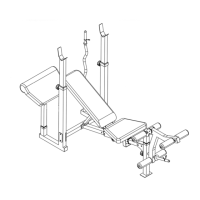
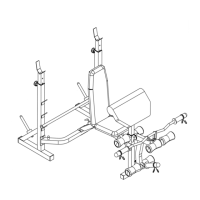
DIAGRAM 9
16




 To Next Page