14
6.5.2 Installation of the Plug Adapter
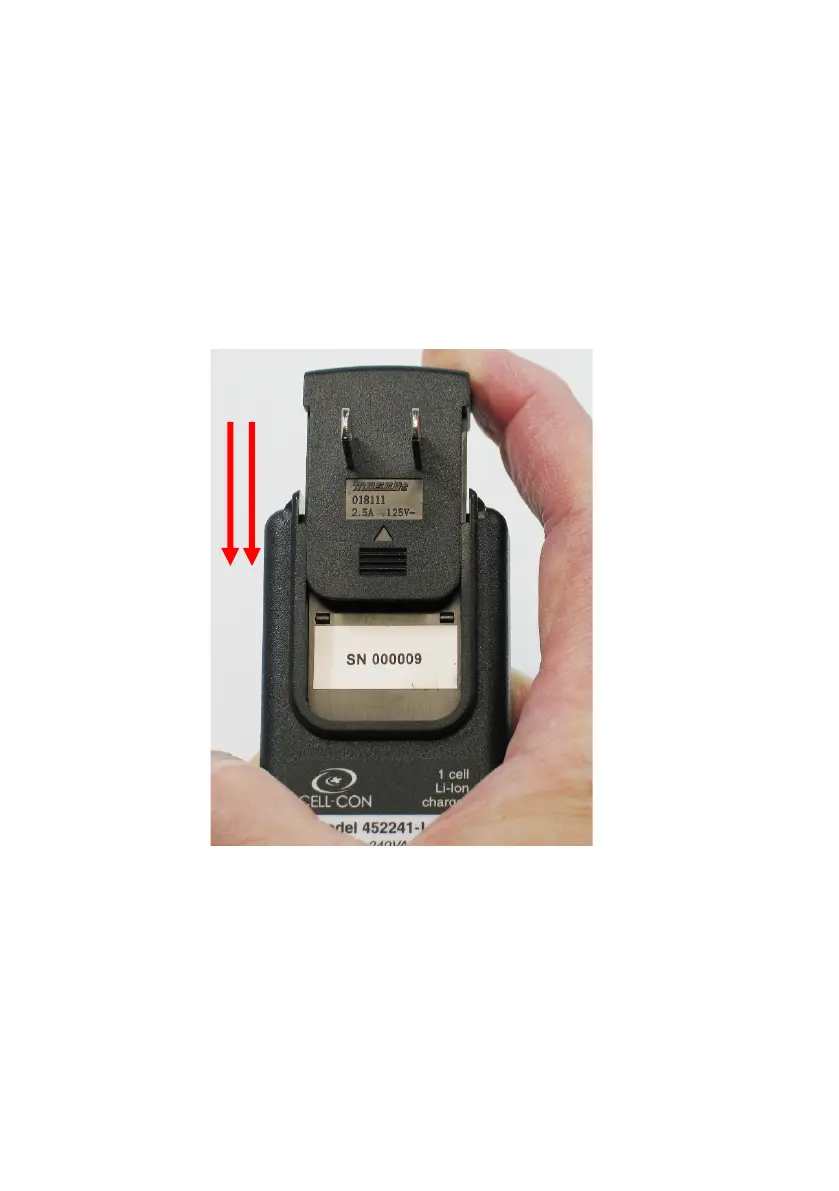
To install the Plug Adapter onto the AC Adapter, perform
the following steps:
1. While holding the AC Adapter in your hand, insert
the Plug Adapter into its corresponding slot on the
AC Adapter.
2. Using your index finger, push down on the Plug
Adapter until it is fully inserted onto the AC
Adapter. See Figure 6.
Figure 6: Installing the Plug Adapter
Push Down
to Install
Plug
Adapter


 To Next Page