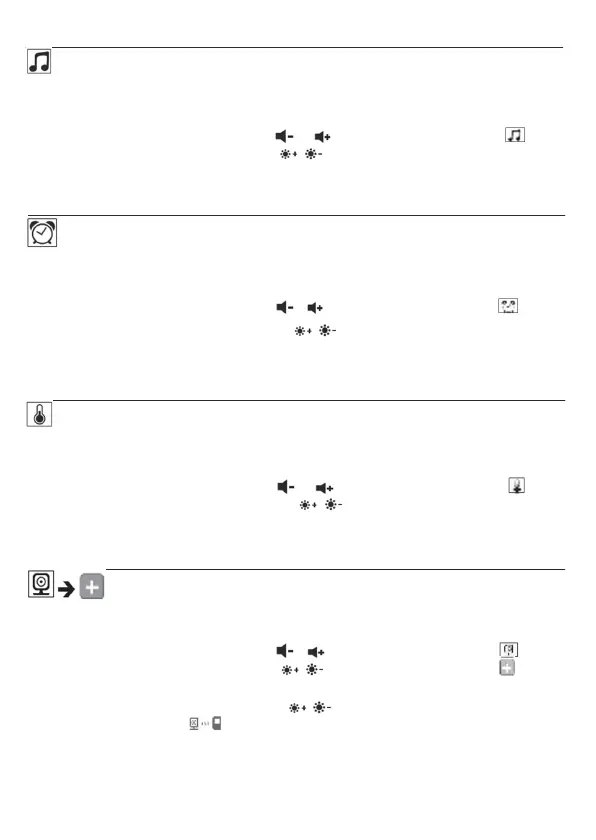
Lullabies
Via the parent unit, you can activate one of five lullabies that will then be
played over the camera. To activate one of the lullabies, proceed as follows:
• Use the left/right direction arrows (
/ ) to select the menu item .
• Use the up/down direction arrows (
/ ) to select the lullaby of your choice
(1, 2, 3, 4 or 5).
• Confirm using the ( OK ) button.
Alarm
You can set an alarm on the parent unit - this will sound on the parent unit after
2, 4 or 6 hours, as you choose. To activate an alarm, proceed as follows:
• Use the left/right direction arrows (
/ ) to select the menu item .
• Use the up/down direction arrows (
/ ) to select the time period after
which you wish the alarm to sound.
• Confirm using the ( OK ) button.
Temperature unit
You can set the device to display the temperature in degrees Celsius (°C) or
degrees Fahrenheit (°F).
• Use the left/right direction arrows (
/ ) to select the menu item .
• Use the up/down direction arrows (
/ ) to select the required unit of
temperature.
• Confirm using the ( OK ) button.
Add camera
You can connect one parent unit with up to four cameras.
To add a camera to the parent unit, proceed as follows:
• Use the left/right direction arrows (
/ ) to select the menu item .
• Use the up/down direction arrows (
/ ) to select the menu item .
• Confirm using the (OK) button. 1,2,3,4 appears on the screen.
• Use the up/down direction arrows (
/ ) to select a number and confirm
with the (OK) button.
appears on the screen and the unit searches for a
camera.
• Now hold down the PAIR button on the rear of the camera until an acoustic
signal is heard and the transmission image from the camera that has been
added appears on the screen.
8



 To Next Page