EN
2
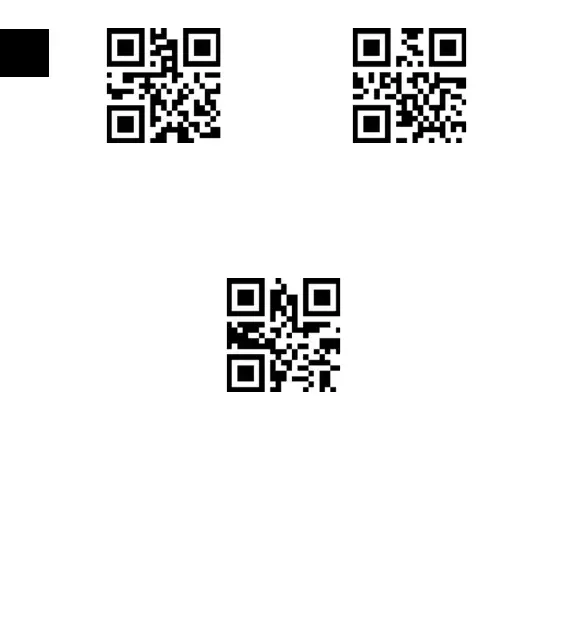
Save and ExitBluetooth HID Mode
If you want to connect the BCST-40 with another phone or laptop, please scan the barcodes
“Enter Setup”-”One to One/ Many Pairing”. Open the Bluetooth on the phone/laptop, search
BCST-40, and then have them paired.
One to One/Many
Note:
Under Bluetooth HID mode, the virtual keyboard will be automatically hidden when
connecting the BCST-40 with a phone.
1) If you are on an iOS device, long press the scanning button for 1 second to pop out the
virtual keyboard. To hide it, long press the scanning button for another 1 second.
2) If you are on an Android device, please follow the steps below to reactivate the virtual
keyboard:
a. Turn on the “Settings” app on your Android device;



 To Next Page