FD2002 HDD Docking Station
Instruction Manual(EN)
Main function
This product support data copy and clone between dual HDDs. Meanwhile, it adopts
USB3.0 (Super Speed) with date transfer rate up to 5Gbps and SATA3 (6Gbps) and
backward compatible with earlier versions as well. This excellent transmission performance
and good compatibility is convenient for data exchange and perfectly suitable for the men
who need to batch processing and clone data at some certain places, such as film and
television production, Backup & processing IT data, Schools batch processing data etc.
a. Connect DC power adapter with docking station
b. Connect docking station with computer by USB cable
c. Insert HDD into slot of docking station correctly.
d. Power on, lower right comer of computer will have a mobile hardware prompt after
device has been recognized, disk management will also have one.
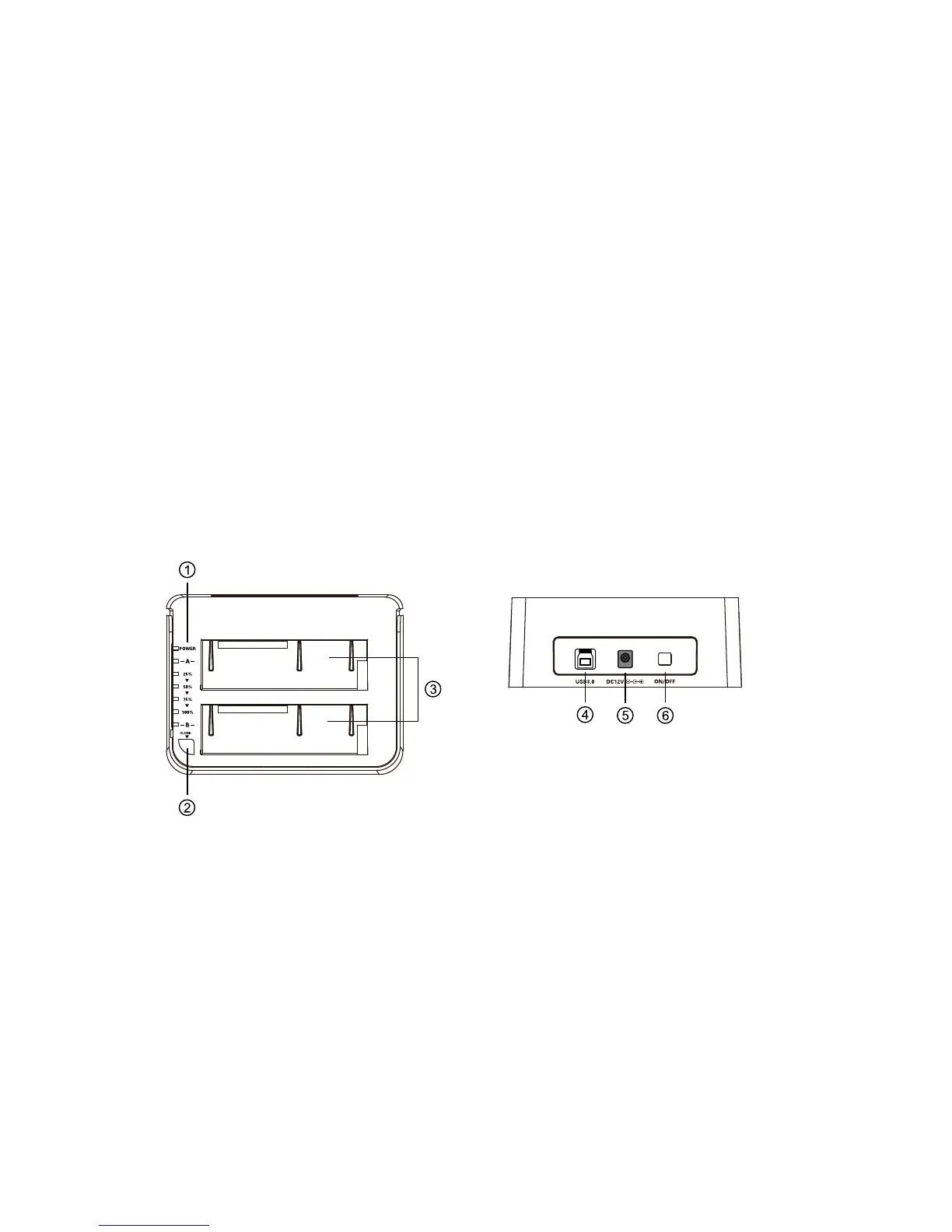
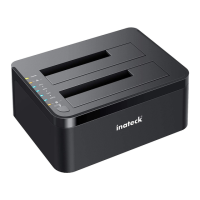
Product schematic
Normal use
① LED indicator
② Clone Button
③ SATA HDD Slot
④ USB3.0
⑤ DC-IN Jack
⑥ Power Switch


 To Next Page