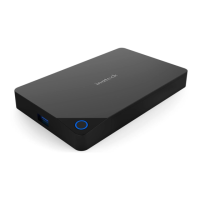
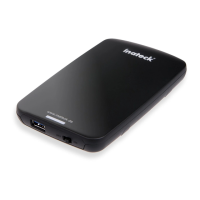
Hard drive installation steps
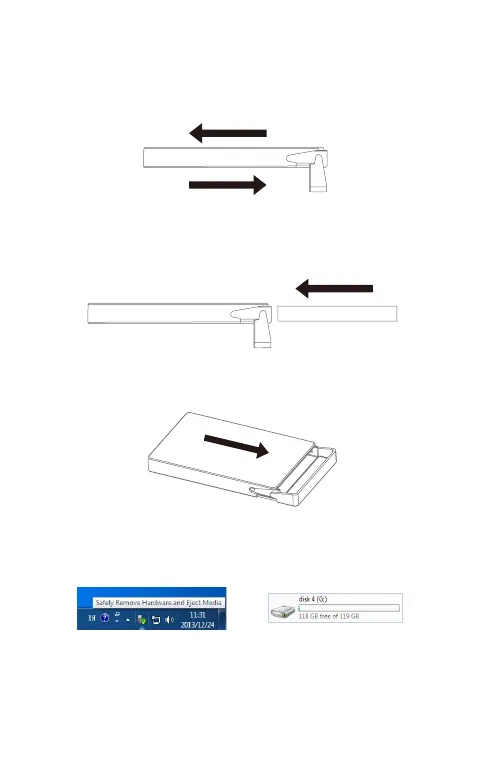
a. Unlock the enclosure by toggling the switch to “unlocked” position,
and then slide the two covers laterally, in opposite direction.
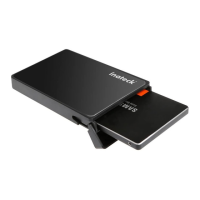
b. Put the hard disk into enclosure,make it align with SATA interface
inside the enclosure.
c. Push upwards, till the enclosure close completely.
d. Connect enclosure with computer by USB cable.
HDD


 To Next Page