Product specications
Package Contents
FE2005 Enclosure x1
USB3.0 Data Cable x1
Instruction Manual x1
Cautions
a. Before the removal of the data storage device , please stop all data
access and transfer to the device, so that the storage can be normally
removed. Forced removal may lead to damage or loss of crucial data.
b. To secure a normal function, please make sure the rated capacity of
your hard drive is similar to the output capacity of a USB port.
c. If your drives has been partitioned, please connect directly with
Enclosure to use. It will be showed “New Disk” in computer. If not, in
the premise of system can correctly identify drives, you can use the
partition and formatting program come with system to reformat it.
D. The enclosure enters sleep mode automatically after lying idle for 10
minutes.
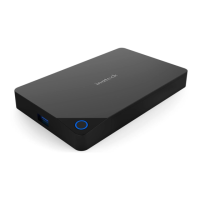
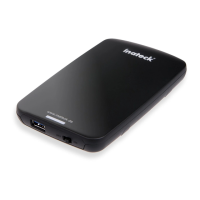
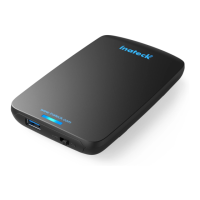
Product name Tool Free 2.5” External HDD Enclosure
Product type Inateck FE2005
material ABS plastic
Weight 50g
Color black
Supported drives interface SATAIII/II/I
Maximum height of drives Height of up to 9.5mm HDD/SSD supported
Hot plug,plug&play supported
Licenses CE,FCC
Measurements 125mm length x 80mm width x 15mm height
Supported OS Windows XP/7/8/10;Mac9.0 or above


 To Next Page