5. How to check battery status
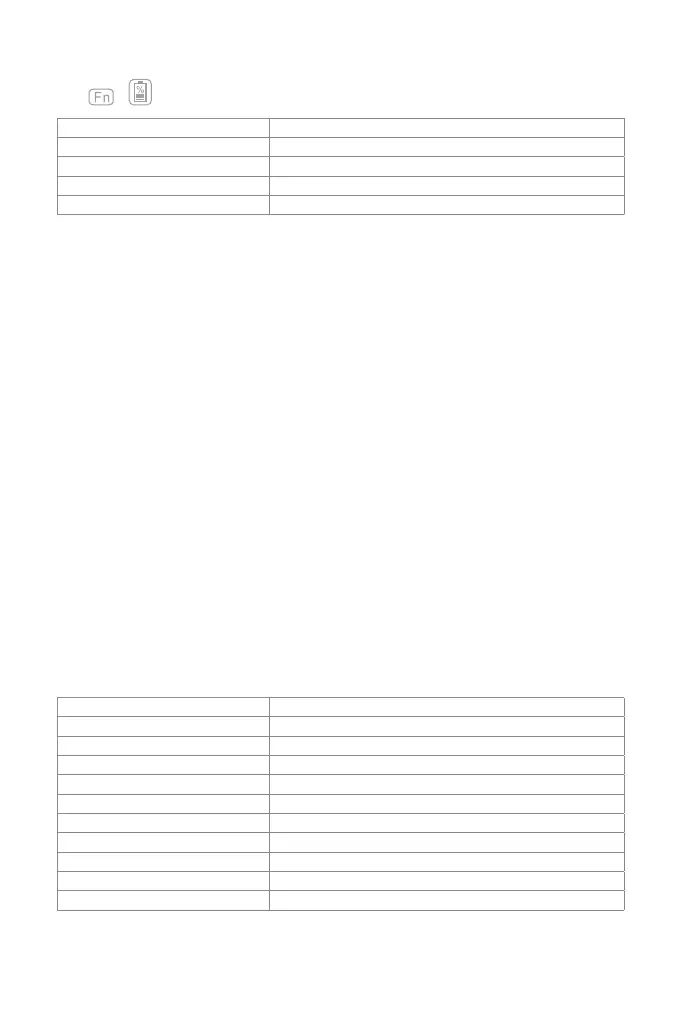
Press + simultaneously, and judge the battery level by the ash times of Indicator 3.
Flash Times of Red Light Battery Level
1 0-25%
2 25%-50%
3 50%-75%
4 75%-100%
Bluetooth version Bluetooth V3.0
Eective range 10 m
Charging time 3-4h
Continuously working time with backlight About 10h
Continuously working time without backlight About 282h
Working temperature -10° -+55°
Bluetooth Operating Frequency 2402-2480MHZ
Bluetooth transmission power 0dBm
Key press force 60 ± 10g
Battery capacity 650mAh
Compatible iPad model iPad air 1 / iPad 5(2017) / iPad 6(2018)
Note
Indicator 3 keeps red when the keyboard is being recharged. At this moment there is no way to check the
battery level.
6. Recharging
When the battery is low, indicator will ash in red. If all indicators are o, it means the battery is completely
drained. Under both situations, the keyboard should be recharged. The required voltage for charging is
5V with current under 250mA. A current control chip is set inside the keyboard for overcurrent protection.
You can recharge the keyboard by using an ordinary phone charger or on the USB port of a computer that
regularly outputs voltage at 5V. The keyboard can be fully recharged in approximately 3-4 hours. Indicator
keeps red when the keyboard is being recharged. The battery indicator will turn green when the keyboard
is fully recharged.
Note
You can use the keyboard while it is being recharged.
7. Sleeping mode
The keyboard will sleep automatically if there is no operation on it for 30 minutes. Wake it up by pressing
any button. Under sleep mode, Bluetooth will disconnect automatically, and you can build reconnection
by pressing any key.
8. Product Specications



 To Next Page