6
6. Indicator Status and Trouble Shooting
Indicator Status Trouble Shooting
Green Printer is under
normal status
/
Flashes Green and
Red Alternately
Print Head
Overheated
Resume working after the
printer cools off
(Once in 2s)
Check whether the paper is
properly installed and ready for
auto recognition of paper type
Flashes Red Quickly
(Twice in 1s)
Top not Closed Check whether the top of the
printer is properly closed
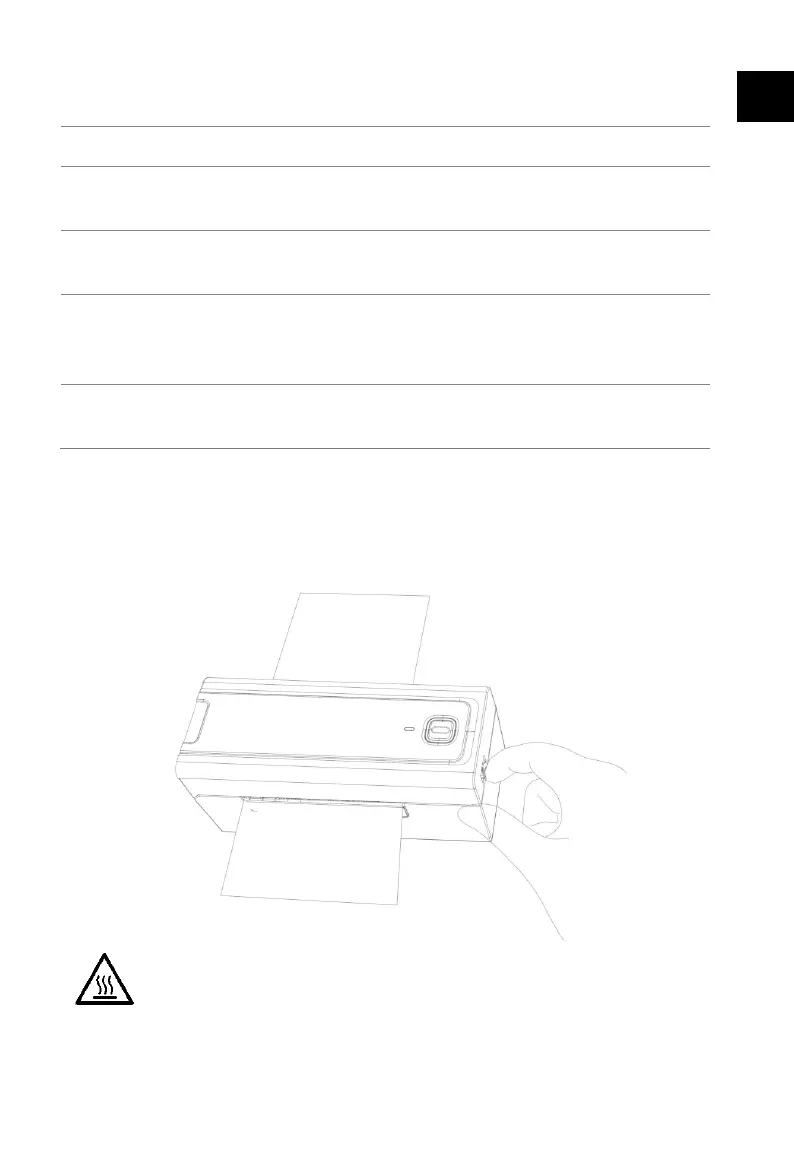
7. Treatment for Jammed/Stuck Paper
Turn off the printer and open the top. Pull out the jammed/stuck paper
from the inlet and install new one.
Warning: Be careful with possible scald. The temperature of
printer is high when it just stops working.
EN


 To Next Page